Skip to content
View in the app

A better way to browse. Learn more.

Slideshowclub.Com

A full-screen app on your home screen with push notifications, badges and more.

To install this app on iOS and iPadOS
  1. Tap the Share icon in Safari
  2. Scroll the menu and tap Add to Home Screen.
  3. Tap Add in the top-right corner.
To install this app on Android
  1. Tap the 3-dot menu (⋮) in the top-right corner of the browser.
  2. Tap Add to Home screen or Install app.
  3. Confirm by tapping Install.

14480 1.0.0

(1 review)

1 Screenshot

Safe PC executable. Download zip archive, extract two files. Store in folder and run exe.

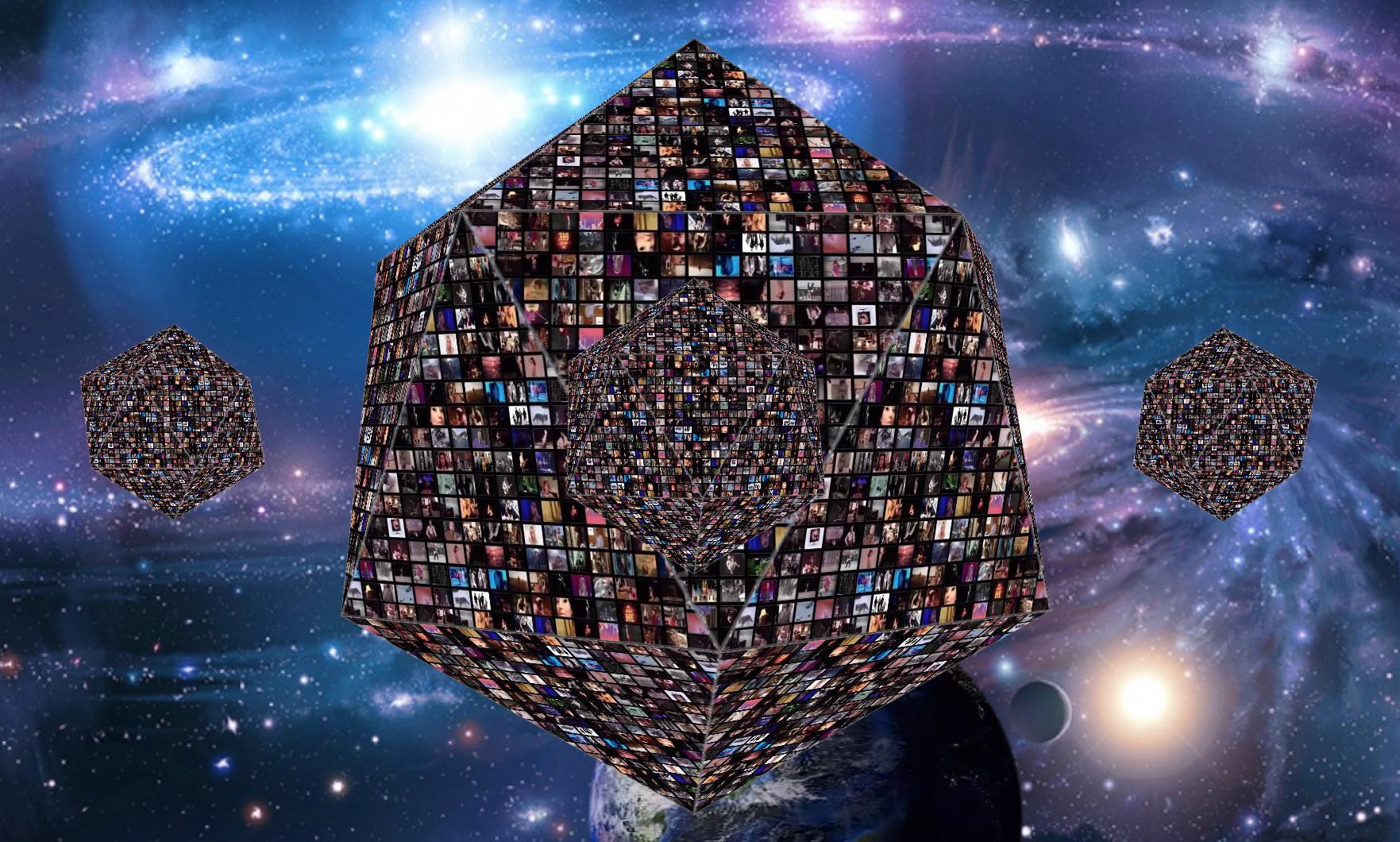
This is an example of the extreme flexibility of PTE. If you have a 4K display, play this and you can easily see over 14,480 individual videos playing simultaneously on rotating, zooming icosahedrons (20 sided 3d object) while the Earth spins and the star-field moves.

I know of no other software product which could be used to create this animation. The entire construct was made in PTE AV Studio 10 Pro.  

Lin

User Feedback

Join the conversation

You can post now and register later. If you have an account, sign in now to post with your account.

Guest
  • This will not be shown to other users.

  • Your review Required
    Add a review...

   1 of 1 member found this review helpful 1 / 1 member

Hi Lin...Glad I stopped by. Amazing bit. Fascinating. I haven't been too regular of late but I do enjoy visiting.  Keep up the good work and experiments. Even if I don't use them very often I like to see how others use the great effects. Thanks again. BTW I'm going to post a video experimenting with the latest software update from  the PTE gang.  It really has come a long way these last couple years.

All the best to you and yours.

Jeff

Response from the author:

Hi Jeff,

I loved your video with the quail and bunnies.  You created a fantastic little oasis for them and it's amazing to see the baby quail enjoying the little waterfall drip and getting their feet wet without the danger of drowning. Excellent presentation and study of the feather and fur neighbors there !

Best regards,

Lin & Ruby pup

Account

Navigation

Search

Search

Configure browser push notifications

Chrome (Android)
  1. Tap the lock icon next to the address bar.
  2. Tap Permissions → Notifications.
  3. Adjust your preference.
Chrome (Desktop)
  1. Click the padlock icon in the address bar.
  2. Select Site settings.
  3. Find Notifications and adjust your preference.