Skip to content
View in the app

A better way to browse. Learn more.

Slideshowclub.Com

A full-screen app on your home screen with push notifications, badges and more.

To install this app on iOS and iPadOS
  1. Tap the Share icon in Safari
  2. Scroll the menu and tap Add to Home Screen.
  3. Tap Add in the top-right corner.
To install this app on Android
  1. Tap the 3-dot menu (⋮) in the top-right corner of the browser.
  2. Tap Add to Home screen or Install app.
  3. Confirm by tapping Install.

My World II 1.0.0

(3 reviews)

1 Screenshot

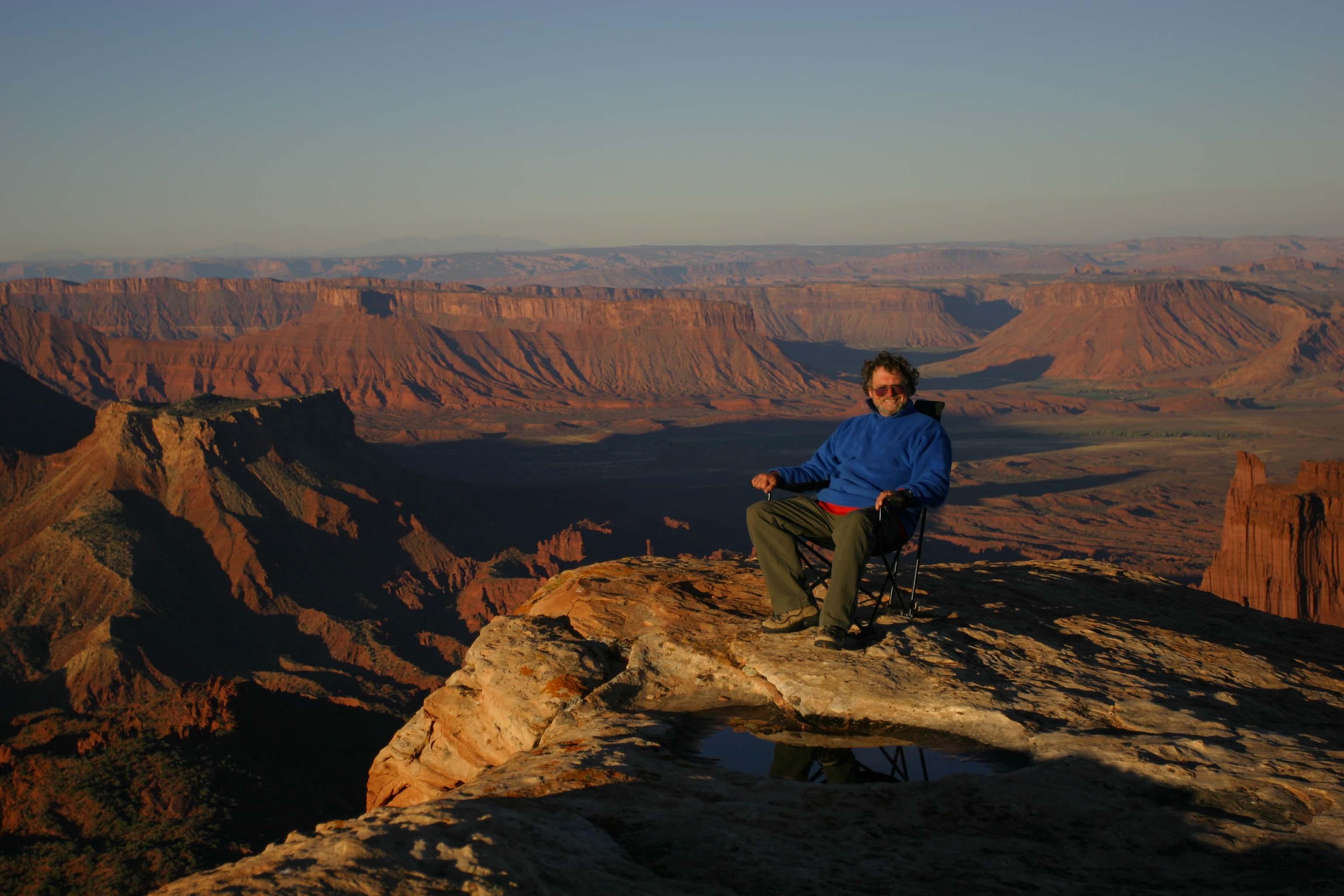
Found Found a piece of music that got my old juices flowing. Put pics and video from several adventures from the past to the music with an eye towards video and how much I could 
could shrink it and yet keep good HD quality and still stay within the megabits limit. I hope you enjoy the show.
Jeff  
 

User Feedback

Join the conversation

You can post now and register later. If you have an account, sign in now to post with your account.

Guest
  • This will not be shown to other users.

  • Your review Required
    Add a review...


One of your best shows to date, superb photography and the mix of video work very well with the bird flight being superb. Looking forward to the next one.


Nice Jeff - love the landscapes and the video mix with is as smooth as glass...

Best regards,

Lin


Very nice production Jeff. Liked the mix of stills, video and zooms. The scenes with the birds flying was really nice. I would have been tempted to pan  while making the video which would have been a mistake compared to looking at your video of letting the birds come in and out of the view. I'll have to remember that next time.

Account

Navigation

Search

Search

Configure browser push notifications

Chrome (Android)
  1. Tap the lock icon next to the address bar.
  2. Tap Permissions → Notifications.
  3. Adjust your preference.
Chrome (Desktop)
  1. Click the padlock icon in the address bar.
  2. Select Site settings.
  3. Find Notifications and adjust your preference.