Skip to content
View in the app

A better way to browse. Learn more.

Slideshowclub.Com

A full-screen app on your home screen with push notifications, badges and more.

To install this app on iOS and iPadOS
  1. Tap the Share icon in Safari
  2. Scroll the menu and tap Add to Home Screen.
  3. Tap Add in the top-right corner.
To install this app on Android
  1. Tap the 3-dot menu (⋮) in the top-right corner of the browser.
  2. Tap Add to Home screen or Install app.
  3. Confirm by tapping Install.

Utah Vistas 1.0.0

(2 reviews)

1 Screenshot

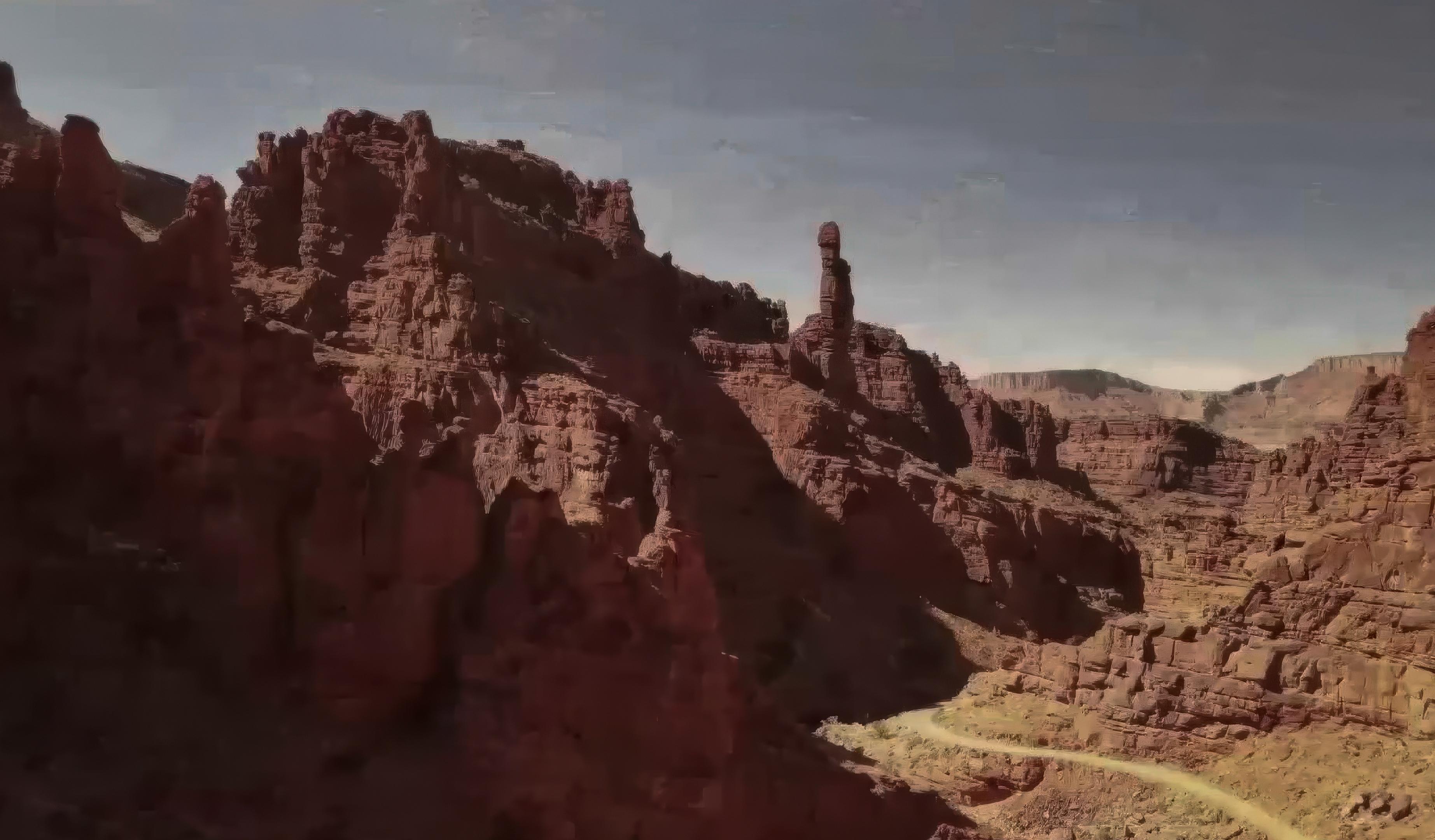
Filmed in the Onion Creek and Fisher Tower area of Utah. A word about the music. It is taken from a piece of nearly 15 minutes. I heard it for the first time when I was in the New Mexico Symphony in the mid 70s. It's a string piece so I wasn't needed as I was the Timpanist. I was sitting backstage in the darkness right behind the shell that projected the sound. As I listened I began to weep. I believe music is the most honest form of art. It has a beginning and end and then it's gone. Imagine before recordings when you could only hear it when an orchestra played it. And when you hear it, no words, to singing, no speaking, just sound. And it can move you so deeply. I hope this video with sound can move you too.

User Feedback

Join the conversation

You can post now and register later. If you have an account, sign in now to post with your account.

Guest
  • This will not be shown to other users.

  • Your review Required
    Add a review...


As Bill indicated, nice drone work. 

Music works well 

Stark landscape

Response from the author:

Thanks Jim. Utah has many stunning landscapes.


Loving all your drone videos.  :D

Response from the author:

Hey Bill. Thanks for the nice comments. I hope you and Karen are doing well.

Account

Navigation

Search

Search

Configure browser push notifications

Chrome (Android)
  1. Tap the lock icon next to the address bar.
  2. Tap Permissions → Notifications.
  3. Adjust your preference.
Chrome (Desktop)
  1. Click the padlock icon in the address bar.
  2. Select Site settings.
  3. Find Notifications and adjust your preference.