Skip to content
View in the app

A better way to browse. Learn more.

Slideshowclub.Com

A full-screen app on your home screen with push notifications, badges and more.

To install this app on iOS and iPadOS
  1. Tap the Share icon in Safari
  2. Scroll the menu and tap Add to Home Screen.
  3. Tap Add in the top-right corner.
To install this app on Android
  1. Tap the 3-dot menu (⋮) in the top-right corner of the browser.
  2. Tap Add to Home screen or Install app.
  3. Confirm by tapping Install.

Hidcote Manor Gardens 1.0.0

(2 reviews)

1 Screenshot

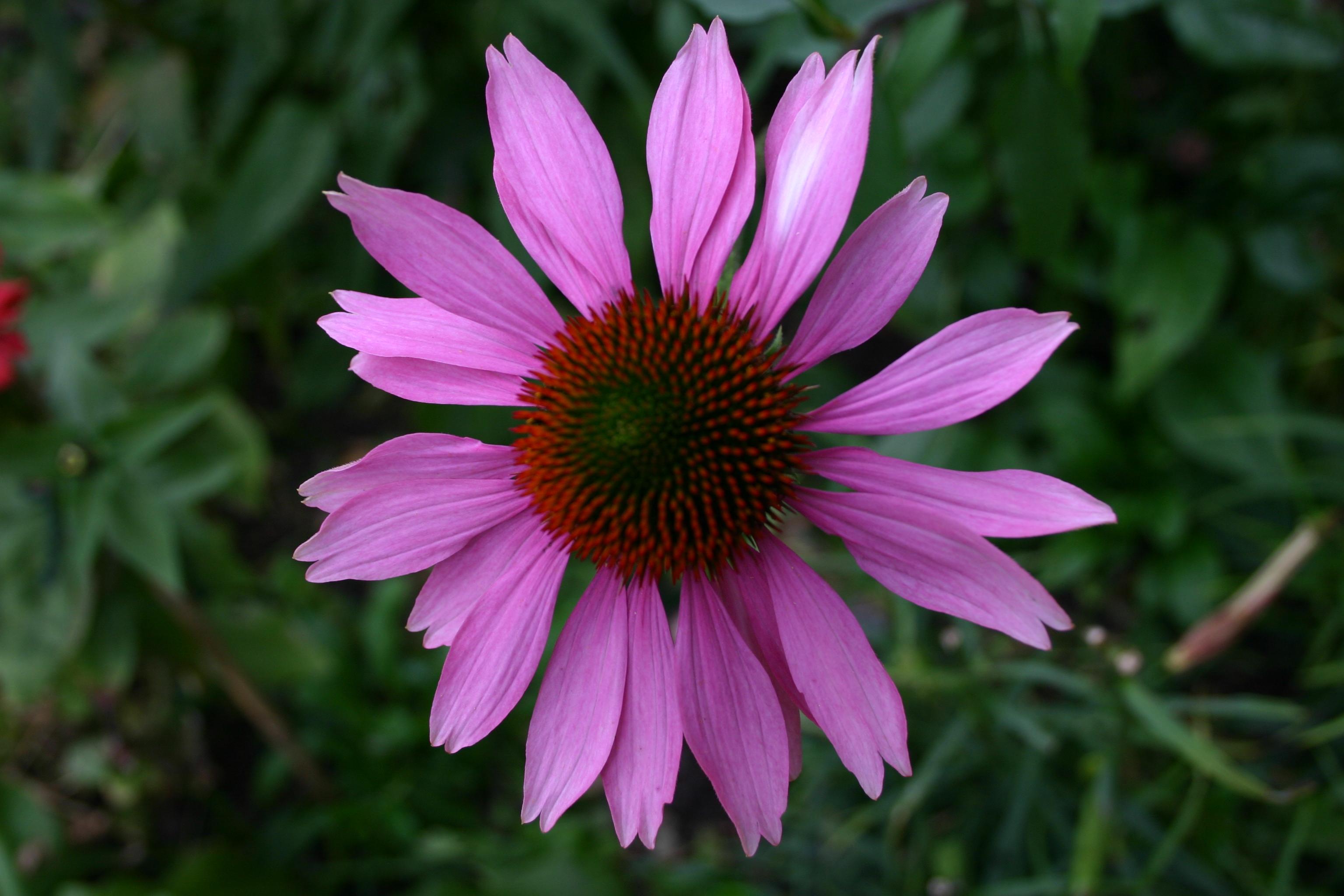
I had actually forgotten that I had made this AV sequence but found it just now.

Interesting that it uses the same music that I just used to make a new AV called "So cold last Night"

Please let me know what you think of it by either the "comments" or "review" options.

Thank you.


What's New in Version 1.0.0

Released

Now in 16:9 format with a few alterations to the fades.

User Feedback

Join the conversation

You can post now and register later. If you have an account, sign in now to post with your account.

Guest
  • This will not be shown to other users.

  • Your review Required
    Add a review...

   1 of 1 member found this review helpful 1 / 1 member

I liked many of the dissolves and changes in colour from flower to flower.  I thought the weather the pictures were taken in unfortunate.  Although the title is "Hidcote Manor Gardens" the sequence does not really tell you very much about the Garden and how it broken up into many smaller gardens.   I too have an old sequence taken in the garden in 1973 and later which I will endeavour to put on Slideshow for you to comment on please!. It may be too large.

Response from the author:

Thank you for taking the time to comment on my sequence.

This wasn't meant to be a documentary about the gardens.

Personally I find that flower pictures are best taken on an overcast day as it avoids bright highlights and deep shadows.

   1 of 1 member found this review helpful 1 / 1 member

Really liked it. Some lovely transitions (although I don't like the 'slidey one!). It looks a beautiful place.

Response from the author:

Thank you.....nice to finally get some feedback on this sequence.

Account

Navigation

Search

Search

Configure browser push notifications

Chrome (Android)
  1. Tap the lock icon next to the address bar.
  2. Tap Permissions → Notifications.
  3. Adjust your preference.
Chrome (Desktop)
  1. Click the padlock icon in the address bar.
  2. Select Site settings.
  3. Find Notifications and adjust your preference.