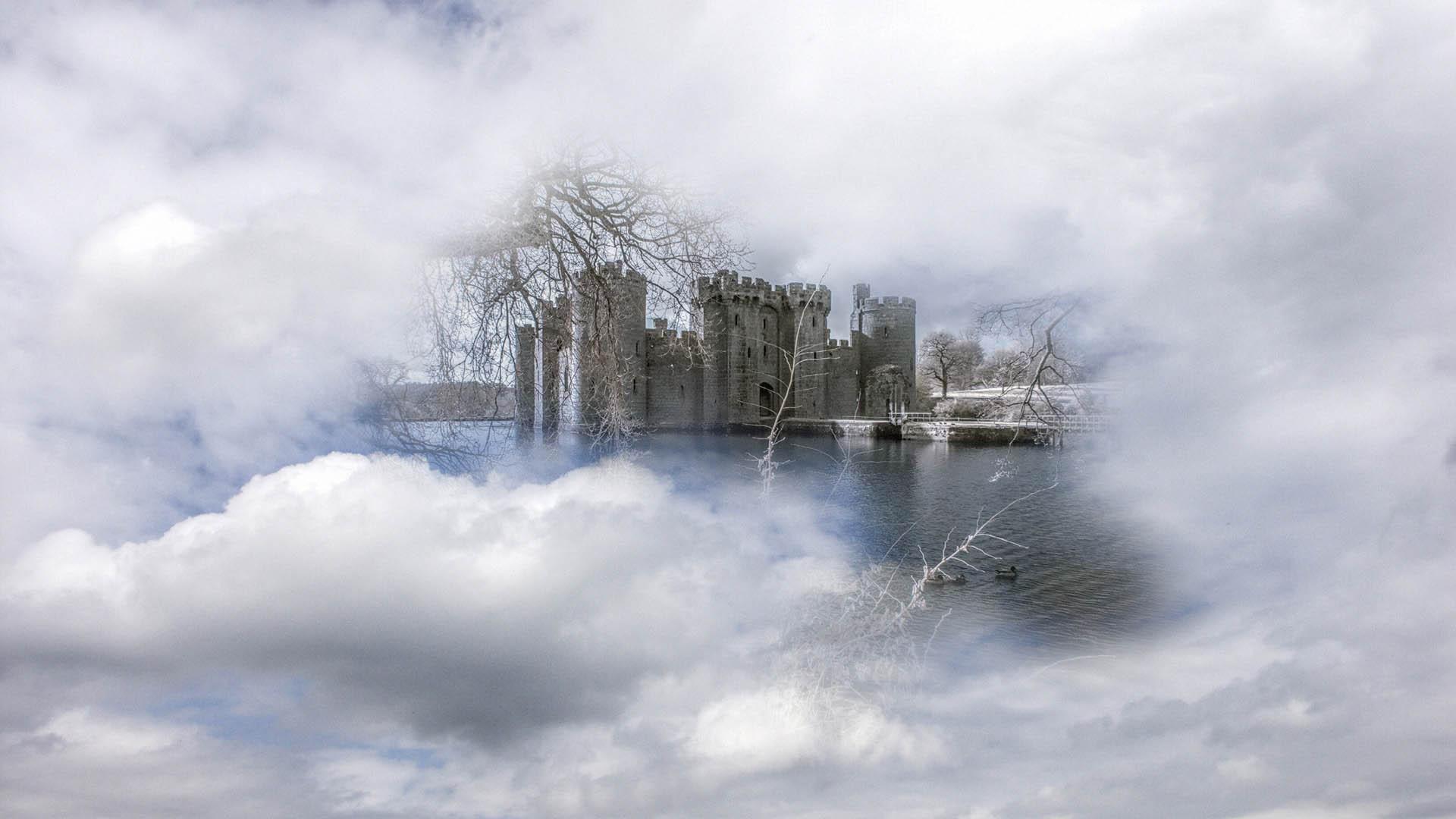
landsberger March 1, 20197 yr review_645 Report Author stats Absolutely lovely I really liked the ethereal nature of nearly all the images and the superb dissolves. Excellent narration and soundtrack. Like another reviewer I am not sure about the red images a bit of a shock compared to the others! As for the shot with the couple my eye was drawn to his well lit apparent bald patch, maybe a little bit of photoshop make-over to take the bright patch down a bit. Response from the author: Thank you for your comments Landsberger, pleased you liked the sequence, I'll have a look at the bald spot.
Tomcatred55 January 10, 20197 yr review_641 Report Author stats Totally brilliant donf. Great images, excellent blending and partial blends (a man after my own heart), love the poem, and the message it tells. Personally I could have done without the red images, took me out of the "blue mood" and I wasn't sure about the inclusion of the two people but these are only minor (and personal) niggles in an otherwise great watch. Response from the author: Thank you for your comments, pleased you enjoyed the sequence, I must admit I love infrared.
Bert January 9, 20197 yr review_638 Report Author stats donf An other great show, you seem to be on a roll here. Liked the many third images and the mood you created with this show. Response from the author: Thank you Bert, Pleased you liked the sequence.
Scots_quine January 8, 20197 yr review_637 Report Author stats Loved the images and the whole mood of the show. Loved the colour palette as well. And the music. Well done, I really enjoyed it. Response from the author: Thank you, really pleased you enjoyed the sequence.


Join the conversation
You can post now and register later. If you have an account, sign in now to post with your account.