Skip to content
View in the app

A better way to browse. Learn more.

Slideshowclub.Com

A full-screen app on your home screen with push notifications, badges and more.

To install this app on iOS and iPadOS
  1. Tap the Share icon in Safari
  2. Scroll the menu and tap Add to Home Screen.
  3. Tap Add in the top-right corner.
To install this app on Android
  1. Tap the 3-dot menu (⋮) in the top-right corner of the browser.
  2. Tap Add to Home screen or Install app.
  3. Confirm by tapping Install.

Vanessa's Story 1.0.0

(2 reviews)

1 Screenshot

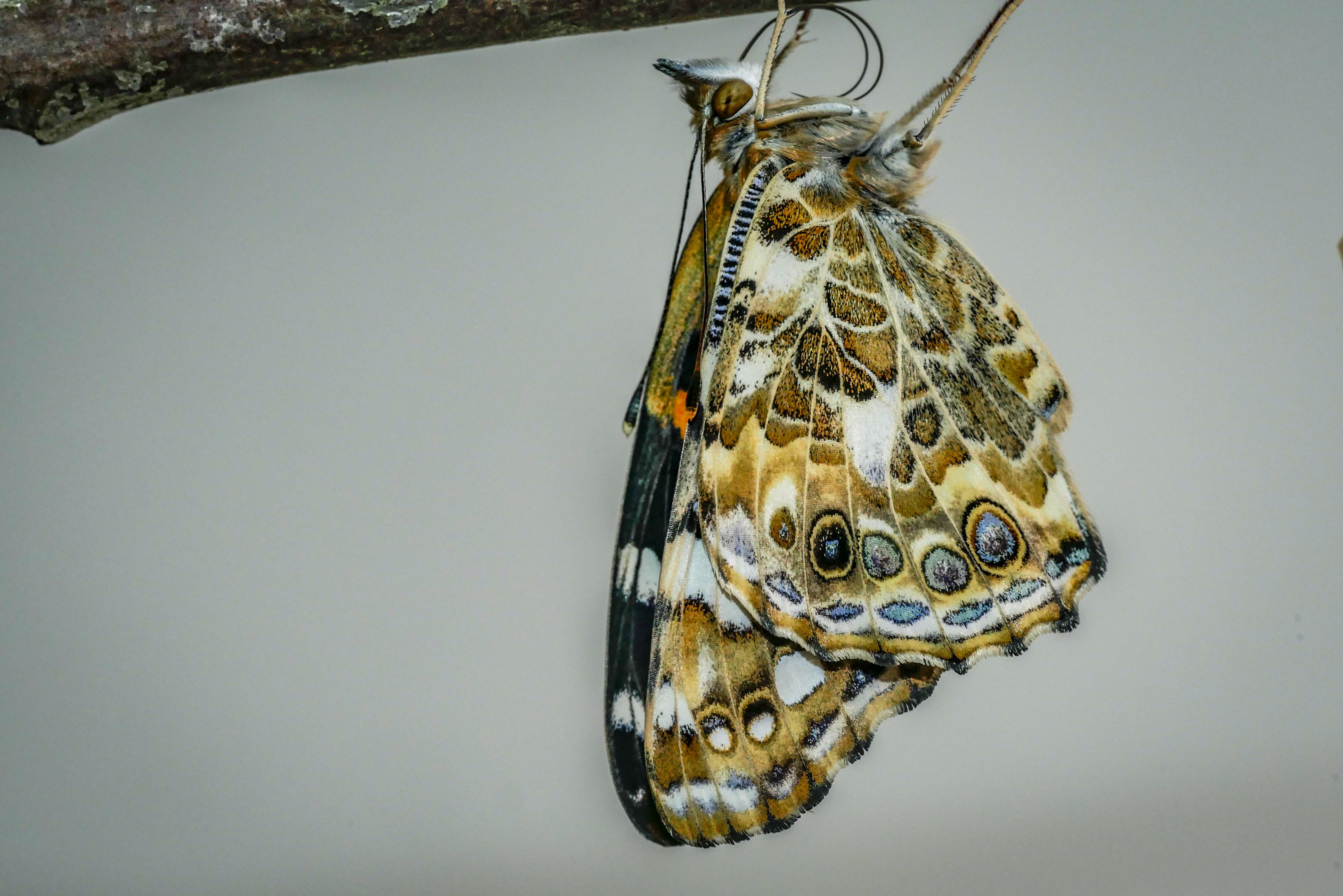
Most recent attempt to document the life cycle of the Painted Lady butterfly, Vanessa cardui, from egg to adult and on to the next generation

User Feedback

Join the conversation

You can post now and register later. If you have an account, sign in now to post with your account.

Guest
  • This will not be shown to other users.

  • Your review Required
    Add a review...


Superbly done, hope it does well in the competition

   1 of 1 member found this review helpful 1 / 1 member

very interesting collection - we need to be reminded of things we learned in grade school -- great colors and pictures -- well done! thks

Ken

Response from the author:

Thank you, Ken. I made it in preparation for a competition coming up soon - and have modified it slightly so the sound is more consistent.
Account

Navigation

Search

Search

Configure browser push notifications

Chrome (Android)
  1. Tap the lock icon next to the address bar.
  2. Tap Permissions → Notifications.
  3. Adjust your preference.
Chrome (Desktop)
  1. Click the padlock icon in the address bar.
  2. Select Site settings.
  3. Find Notifications and adjust your preference.