Skip to content
View in the app

A better way to browse. Learn more.

Slideshowclub.Com

A full-screen app on your home screen with push notifications, badges and more.

To install this app on iOS and iPadOS
  1. Tap the Share icon in Safari
  2. Scroll the menu and tap Add to Home Screen.
  3. Tap Add in the top-right corner.
To install this app on Android
  1. Tap the 3-dot menu (⋮) in the top-right corner of the browser.
  2. Tap Add to Home screen or Install app.
  3. Confirm by tapping Install.

Spirit of the Sands 1.0.0

(2 reviews)

1 Screenshot

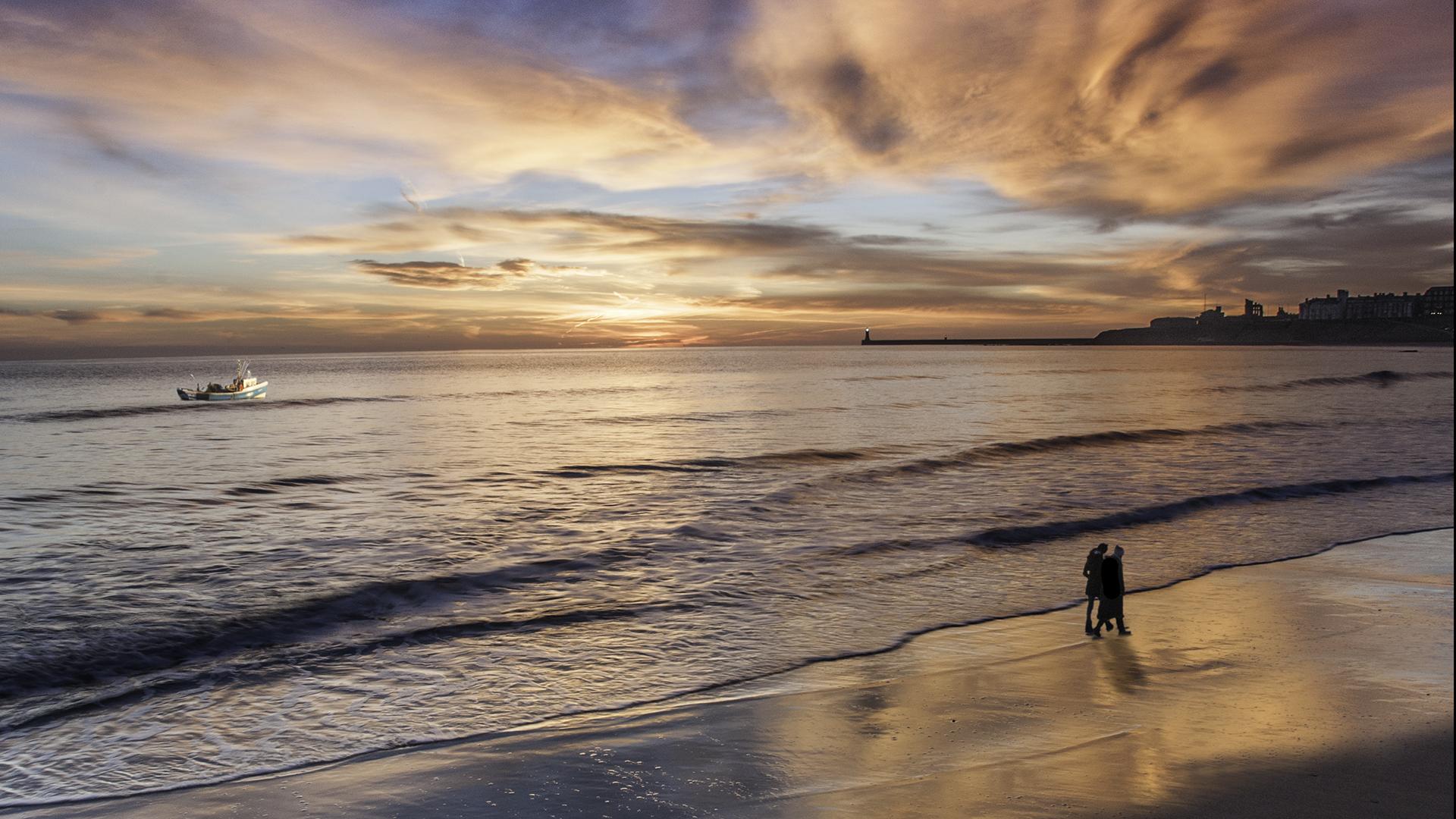
I live very close to this beach, the Long Sands at Tynemouth, Tyne and Wear and have hundreds of images of the beach taken over several years.  This is a compilation of images to show the spirit of the place under different conditions.

User Feedback

Join the conversation

You can post now and register later. If you have an account, sign in now to post with your account.

Guest
  • This will not be shown to other users.

  • Your review Required
    Add a review...


Enjoyed this. Some good effects. Thanks for sharing it.

   1 of 1 member found this review helpful 1 / 1 member

I liked most of the almost impressionistic images and the use of the third image in this show. 

Overall for me the show could have been shorter and the music changes more fluid.

Thanks for posting,

Bert
Account

Navigation

Search

Search

Configure browser push notifications

Chrome (Android)
  1. Tap the lock icon next to the address bar.
  2. Tap Permissions → Notifications.
  3. Adjust your preference.
Chrome (Desktop)
  1. Click the padlock icon in the address bar.
  2. Select Site settings.
  3. Find Notifications and adjust your preference.