I submitted this show some years ago. When I did a search it did not show up. Maybe now a good time to look at it again in light what is happening here in the U.S.
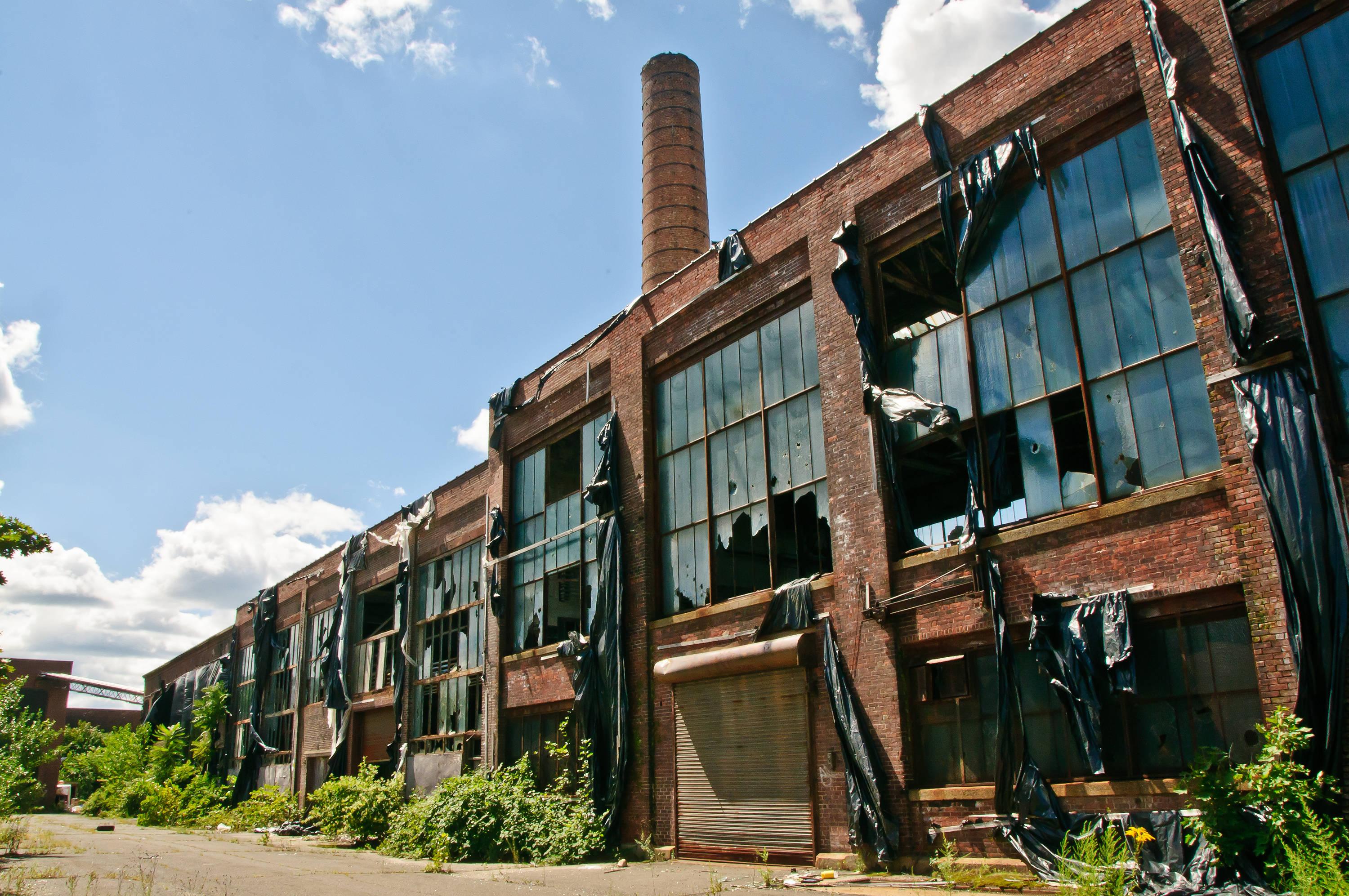
Mickp January 28, 20179 yr review_454 Report Author stats I very good piece of what I think is known as UrbEx, at least in the UK. Vivika Koh gave a lecture on UrbEx to our camera club - you may like to google her. I liked the treatment you gave to the photos to accentuate the dilapidation but will not comment on the politics of it all. Mickp
Jeff Lunt January 23, 20179 yr review_453 Report Author stats Hey Bert. I made something along these lines a couple years ago but never posted. You got a lot more variety than me as I couldn't actually get into the old railyard building in Albuquerque. Great images and the brutal mechanical music fit well. Kind of a heartless feeling to something that was once life giving and wonderful. Thanks Bert. I haven't been by in a while. I keep trying to post a show pertaining to my feelings about my country, but can't get an upload. It is a bit large, just over 160 megs, but anyway that is another story. Thanks for reposting. Jeff Lunt

Join the conversation
You can post now and register later. If you have an account, sign in now to post with your account.