Skip to content
View in the app

A better way to browse. Learn more.

Slideshowclub.Com

A full-screen app on your home screen with push notifications, badges and more.

To install this app on iOS and iPadOS
  1. Tap the Share icon in Safari
  2. Scroll the menu and tap Add to Home Screen.
  3. Tap Add in the top-right corner.
To install this app on Android
  1. Tap the 3-dot menu (⋮) in the top-right corner of the browser.
  2. Tap Add to Home screen or Install app.
  3. Confirm by tapping Install.

Greenwich 1.0.0

(2 reviews)

1 Screenshot

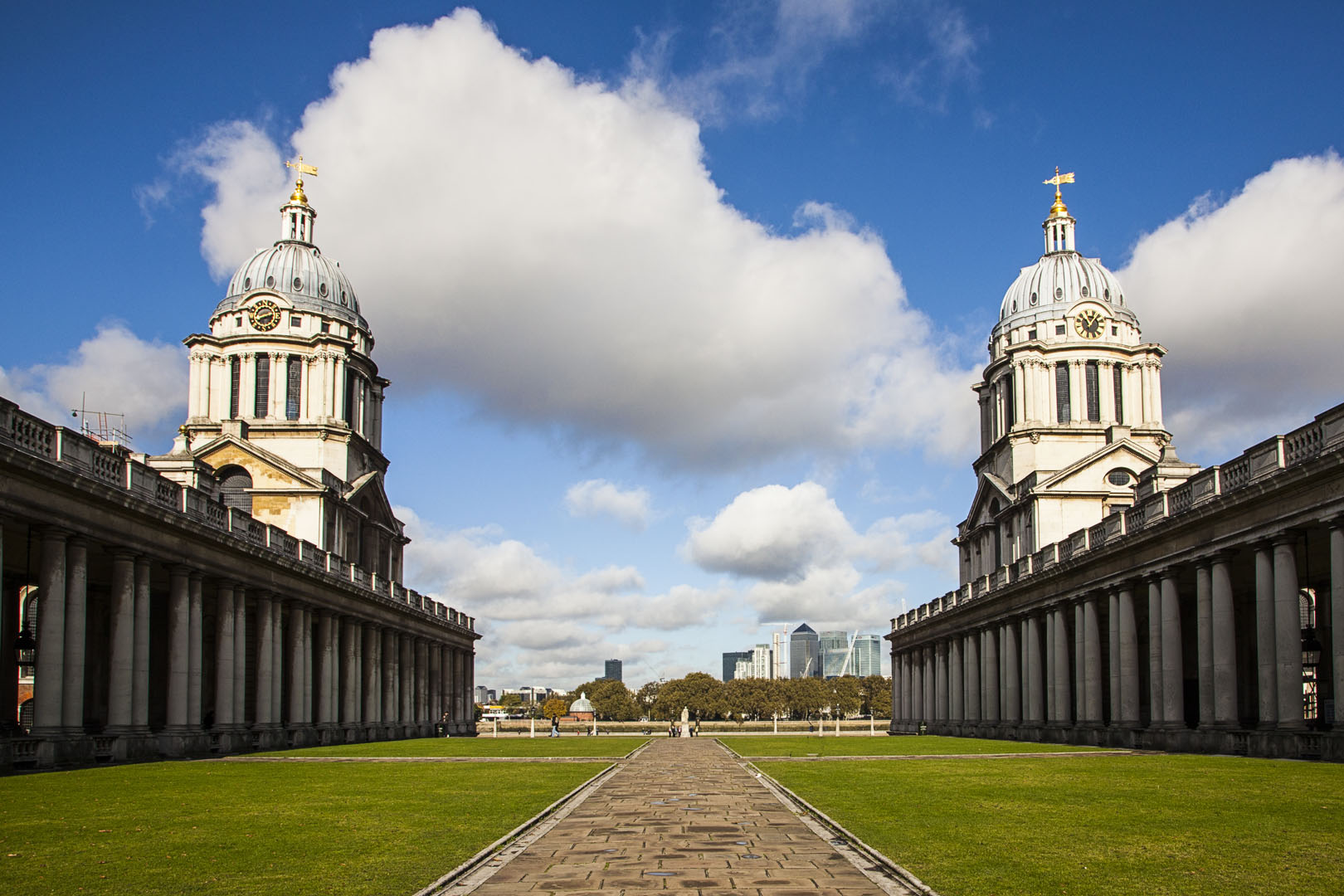
A day trip to Greenwich, a World Heritage Site on the River Thames to the East of London. 8 minutes.

All comments appreciated.

User Feedback

Join the conversation

You can post now and register later. If you have an account, sign in now to post with your account.

Guest
  • This will not be shown to other users.

  • Your review Required
    Add a review...


I thoroughly enjoyed this show, the photography was superb,Well done Mick.

   0 of 1 member found this review helpful 0 / 1 member

Mick

quite a collection of shots, imho possibly you could have made 2 distinct sections --- buildings and contents and  gardens and contents

must take a day to tour the area.

thanks for manual control


Ken
Account

Navigation

Search

Search

Configure browser push notifications

Chrome (Android)
  1. Tap the lock icon next to the address bar.
  2. Tap Permissions → Notifications.
  3. Adjust your preference.
Chrome (Desktop)
  1. Click the padlock icon in the address bar.
  2. Select Site settings.
  3. Find Notifications and adjust your preference.