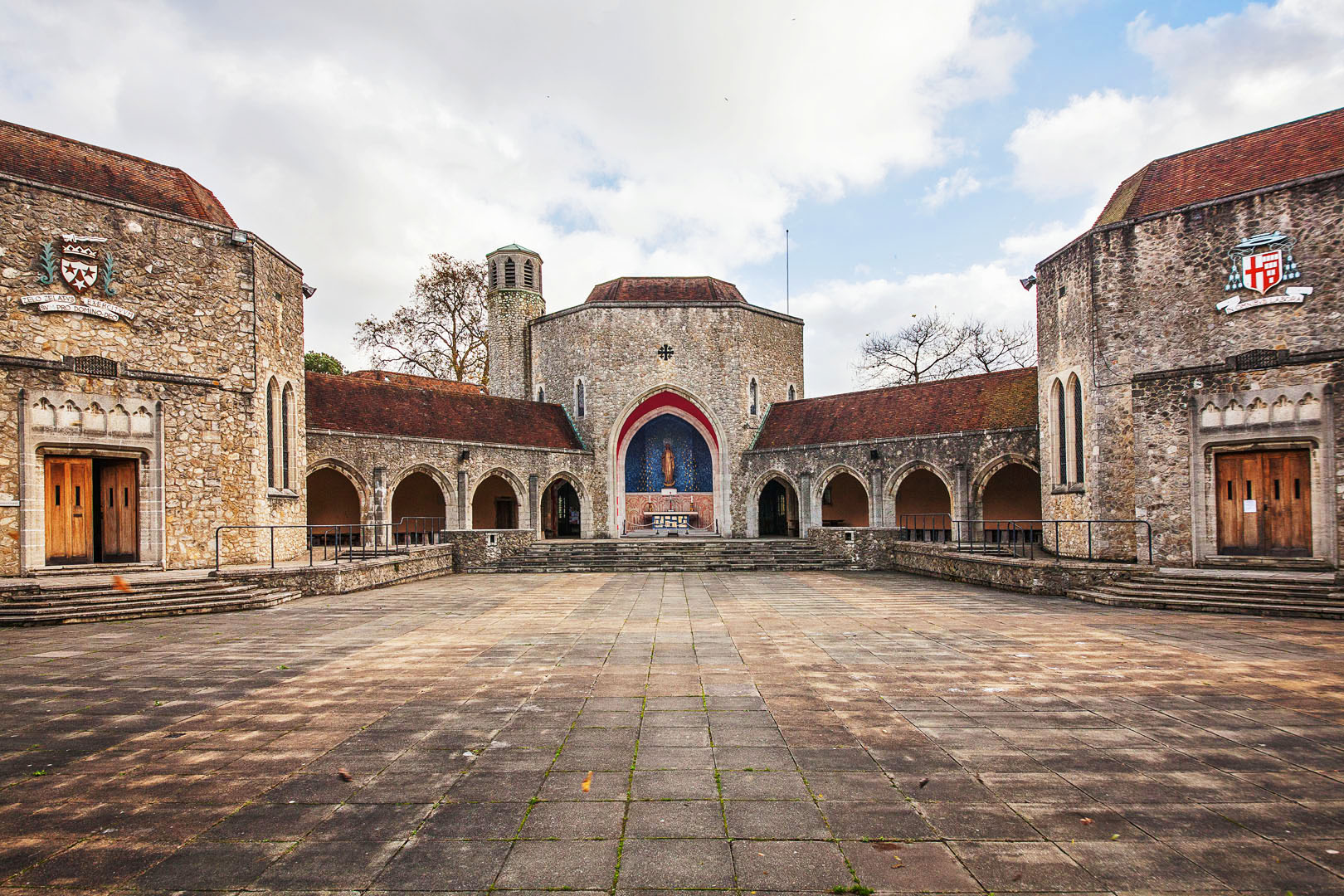
I am not religious in the least but do appreciate church music, church art and church architecture so I have put together this show and being Good Friday it seems appropriate to upload it today.
nharris March 29, 201610 yr review_355 Report Author stats Beautifully done. Great amalgam of excellent photographic work and music. Well done !!
davegee March 26, 201610 yr review_353 Report Author stats Nice one Mick. I liked the perspective effects. I noticed a spelling mistake early on and couldn't forget it - it made me inspect all other comments
Bert March 25, 201610 yr review_352 Report Author stats Mick, Beautifully done show with great images and perfect music. I like Ken's idea to give/show it at local Sunday schools. Bert
KEN COX March 25, 201610 yr review_351 Report Author stats Mick you nailed this one -- smooth as silk -- perfect composition you should make a copy and donate copies to the locale sunday schools ken


Join the conversation
You can post now and register later. If you have an account, sign in now to post with your account.