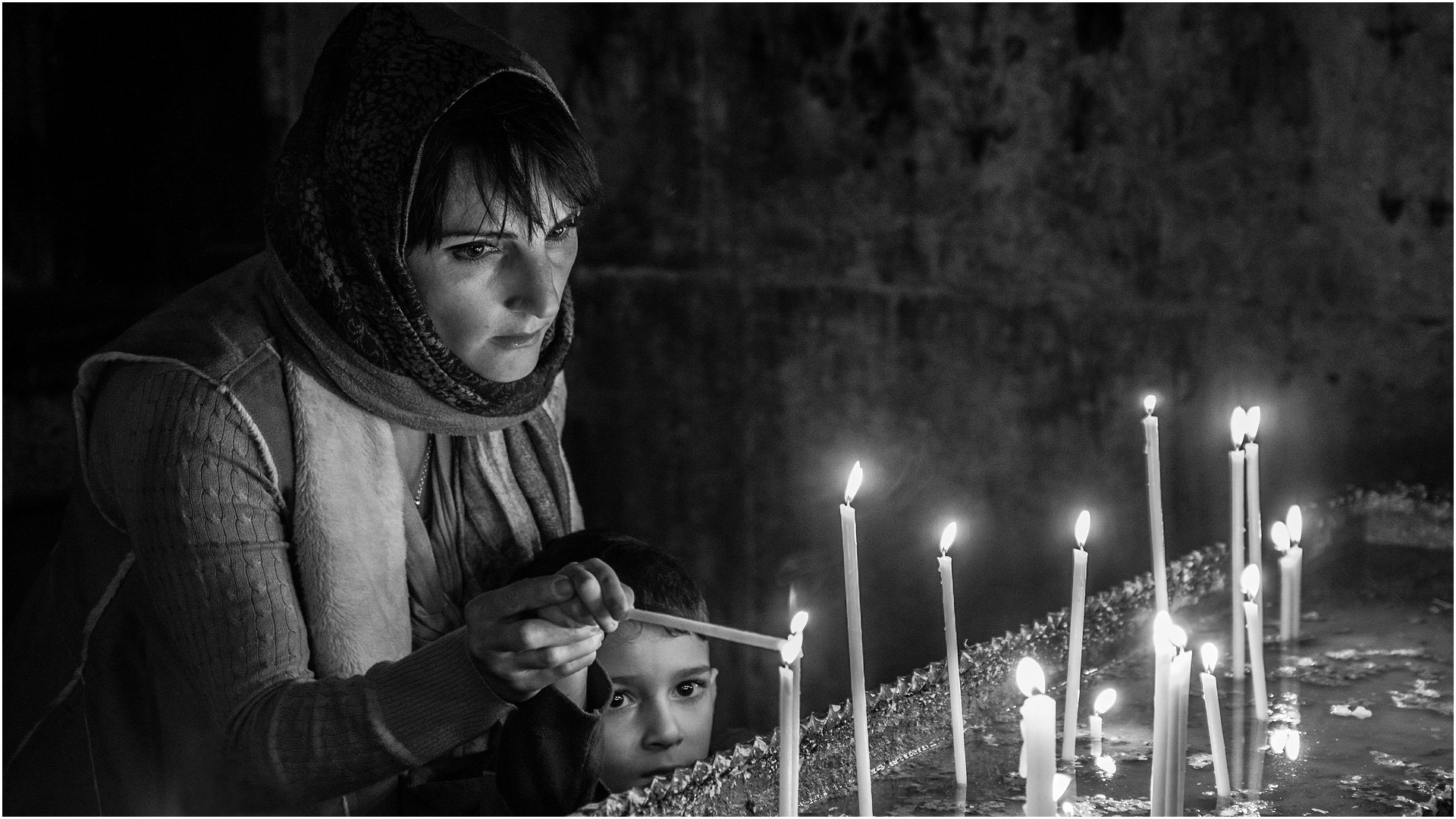
Kingcanon December 1, 201510 yr review_318 Report Author stats Beautiful show of a country quite unknown to most of us. You as an explorer have given us a nice insight of these untrodden paths. Thanks !
JudyKay November 28, 201510 yr review_315 Report Author stats Outstanding photos and music. Your work totally works for me. Thanks. Great B&W.
Bert November 22, 201510 yr review_305 Report Author stats Great photography and the music enhanced the show.I agree with the previous comments that the images where to short on the screen. Bert
Lakelandlass November 21, 201510 yr review_304 Report Author stats 1 of 1 member found this review helpful 1 / 1 member Eddie, as you know I am a great fan of your style of photography. I agree with Mick that the images could have been left on screen a bit longer but, as usual, an interesting show and well photographed. I also think that it is well suited to mono. You and Nicole certainly get around.Maureen
Mickp November 21, 201510 yr review_302 Report Author stats 1 of 1 member found this review helpful 1 / 1 member Hi Eddy,Your show certainly gives a very good impression of Armenia. I thought your black and white photography was excellent and added to the effect you were trying to achieve. I did think you could have had a bit more screen time for many of the slides as there was a lot to look at especially with all the carving so I will have another look. Thanks for sharing.The bride did not look all that happy though!Mickp
Join the conversation
You can post now and register later. If you have an account, sign in now to post with your account.