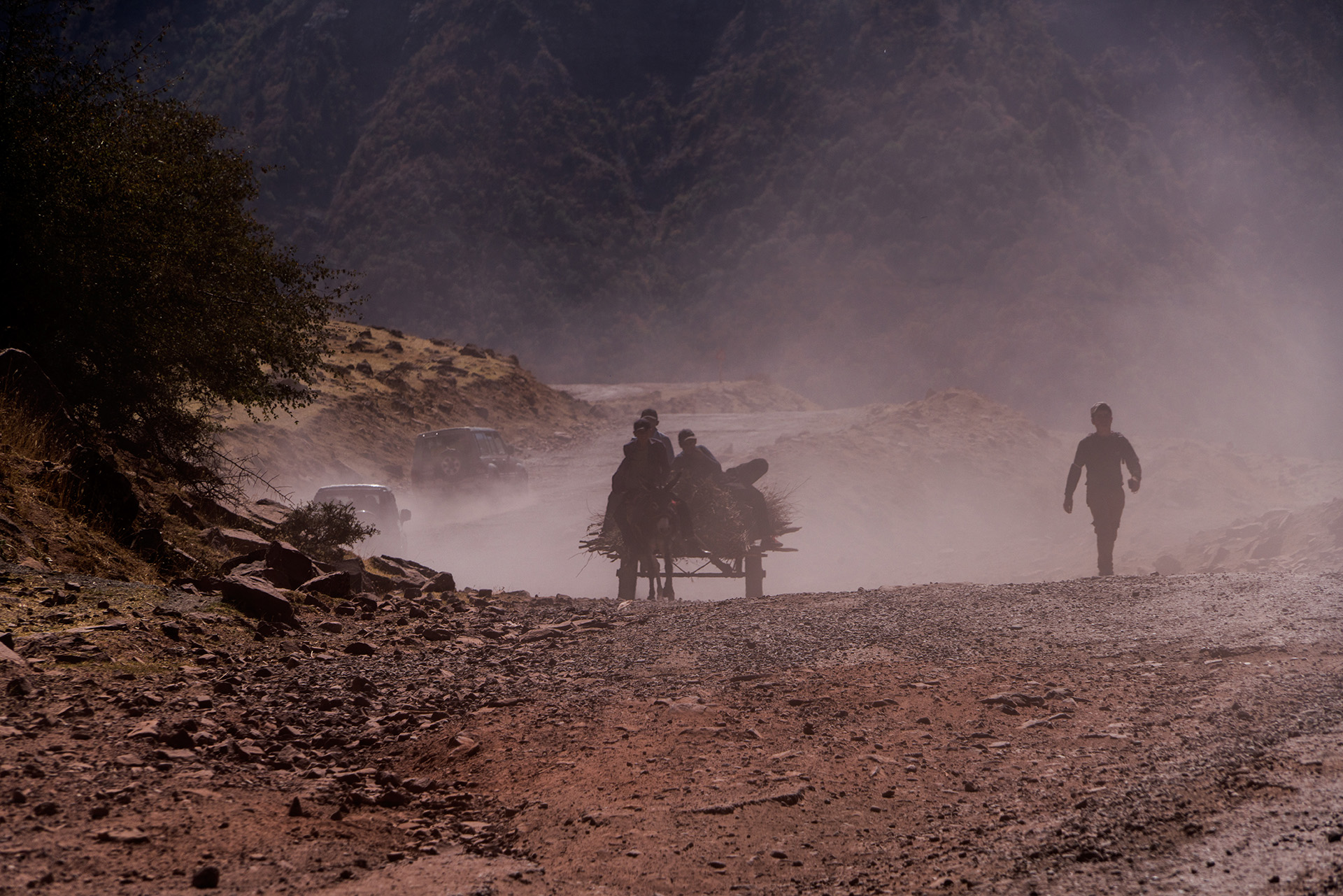
Ivanjou January 30, 20242 yr review_791 Report Author stats Très belles photos (paysages et surtout, des habitants). Bravo ! Les voyages en Asie centrale sont passionnants. Very beautiful photos (landscapes and especially, inhabitants). Bravo! Trips to Central Asia are exciting.
Jeff Lunt December 17, 20223 yr review_784 Report Author stats Great show. I hadn't heard that Vangelis theme in a long time. I actually have it but just haven't listened to it in years. Definitely time to pull that CD out again. And the visuals were captivating. I got a kick out of the man with his cow looking like from another time and yet he had his cell phone. Again, great show and thanks for sharing.
Jim R November 29, 20223 yr review_783 Report Author stats Quite an interesting landscape. Seeing the kids in school uniforms and the man walking about with a cellphone seems incongruous with the look of the place. But then I am judging it by western "standards" Nicely produced presentation Cor! Response from the author: Thank you Jim. It is a very beautiful country with friendly people. You go back to the fifties, but with a mobile phone in the middle of nowhere with a cow on a string along the Afghan border. Cor
Join the conversation
You can post now and register later. If you have an account, sign in now to post with your account.