Skip to content
View in the app

A better way to browse. Learn more.

Slideshowclub.Com

A full-screen app on your home screen with push notifications, badges and more.

To install this app on iOS and iPadOS
  1. Tap the Share icon in Safari
  2. Scroll the menu and tap Add to Home Screen.
  3. Tap Add in the top-right corner.
To install this app on Android
  1. Tap the 3-dot menu (⋮) in the top-right corner of the browser.
  2. Tap Add to Home screen or Install app.
  3. Confirm by tapping Install.

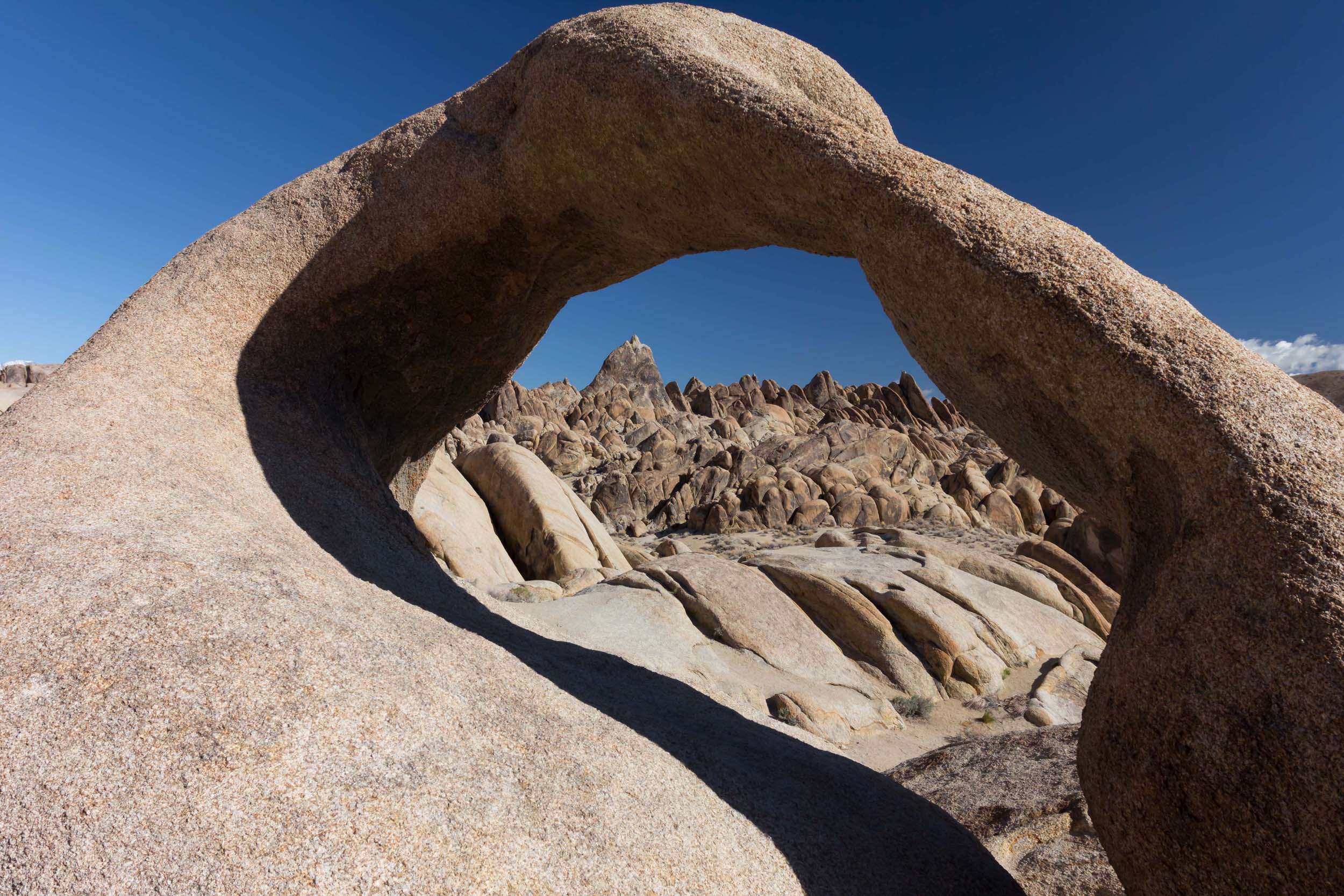
2013 Spring Opening UHD 1.0.0

(3 reviews)

1 Screenshot

I'm reworking some older adventures at a higher level visually and hopefully creatively.  I hope you enjoy these redo's.  I'm hoping that more folks will come back and post some shows. In the past there were several folks that posted. Where are all of you posting these days? Anyway, I love this place and I will keep posting.    

Jeff

User Feedback

Join the conversation

You can post now and register later. If you have an account, sign in now to post with your account.

Guest
  • This will not be shown to other users.

  • Your review Required
    Add a review...


Love your video. Great shots. Would love more close ups. 


Stunning photography as always of a beautiful landscape and, of course, great music.  


Very nice (re) done Jeff. Very intriguing landscape. Pano of the mountain range was something else. Music worked well with the images.

Two non-production questions:

- What do you about gas on these "into the backcountry" treks you take?

- Were those Joshua trees in the show?


Response from the author:

Hi Jim. Gas wasn't a huge problem as Lone Pine and Bishop, both in California, were close at hand. I've found that when I'm in 4 wheel drive and low gear I don't use too much gas.  The mileage isn't as great as it looks...and Yes, those are Joshua Trees. 

Account

Navigation

Search

Search

Configure browser push notifications

Chrome (Android)
  1. Tap the lock icon next to the address bar.
  2. Tap Permissions → Notifications.
  3. Adjust your preference.
Chrome (Desktop)
  1. Click the padlock icon in the address bar.
  2. Select Site settings.
  3. Find Notifications and adjust your preference.