Skip to content
View in the app

A better way to browse. Learn more.

Slideshowclub.Com

A full-screen app on your home screen with push notifications, badges and more.

To install this app on iOS and iPadOS
  1. Tap the Share icon in Safari
  2. Scroll the menu and tap Add to Home Screen.
  3. Tap Add in the top-right corner.
To install this app on Android
  1. Tap the 3-dot menu (⋮) in the top-right corner of the browser.
  2. Tap Add to Home screen or Install app.
  3. Confirm by tapping Install.

Spring in Utah_UHD 1.0.0

(2 reviews)

1 Screenshot

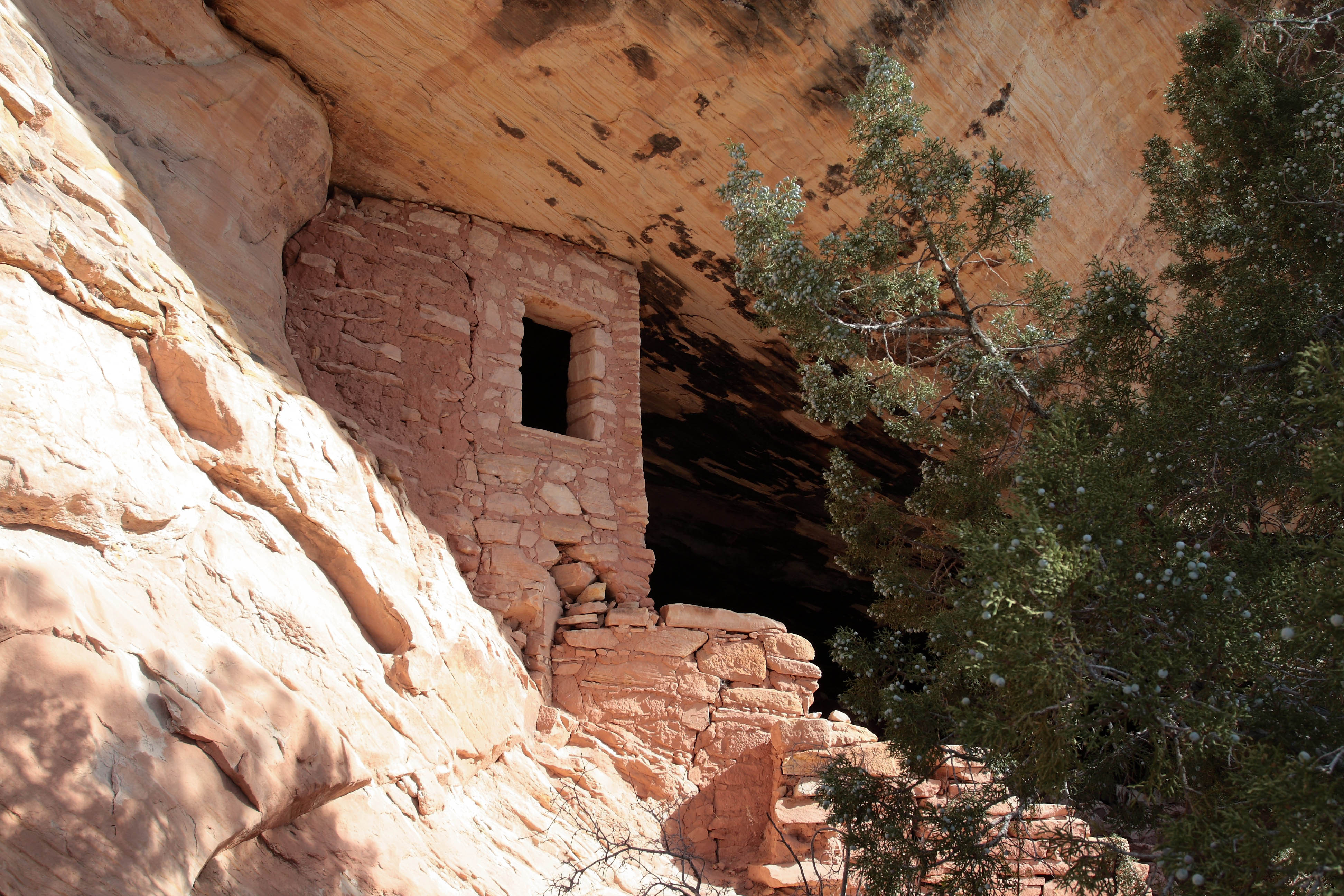
This video is pretty much the same as the one I posted years ago except I've touched up some shots and posted it in 4k format for what it's worth. I enjoy pushing the envelope as I use a fairly large screen that can play 4k shows. With PTE it doesn't matter what screen you have as it plays perfectly on any screen.  

User Feedback

Join the conversation

You can post now and register later. If you have an account, sign in now to post with your account.

Guest
  • This will not be shown to other users.

  • Your review Required
    Add a review...


Well done Jeff.  You certainly have a magic touch with your camera.  Wonderful landscapes, but how you find them is beyond me.


I likely saw the presentation when first produced and was impressed then  but it comes across even more so now. Beautifully crisp images, wonderful landscape, bleak/desolate at times, full of interesting formations and much evidence of water and wind erosion.

Well done Jeff

Account

Navigation

Search

Search

Configure browser push notifications

Chrome (Android)
  1. Tap the lock icon next to the address bar.
  2. Tap Permissions → Notifications.
  3. Adjust your preference.
Chrome (Desktop)
  1. Click the padlock icon in the address bar.
  2. Select Site settings.
  3. Find Notifications and adjust your preference.