
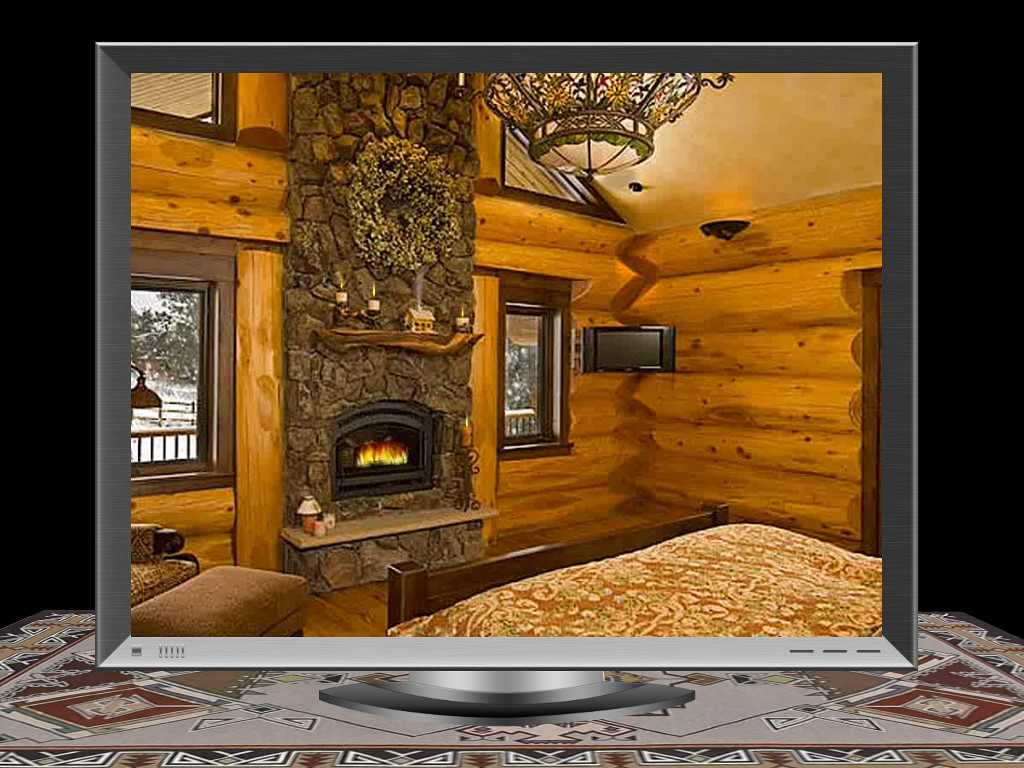
This is a demonstration of a number of interesting (at least to me) things which can be done with the extremely versatile PicturesToExe slideshow product.
First, there is the use of Alpha Channel Video with masking. Then there is the precise timing of the appearance of objects, the use of PNG objects - the Plasma Display was created in PhotoShop with the very nice PanosFX action. Then there is the ultra smooth panning of PTE, the ability to incorporate video and the use of specialized files prepared in PhotoShop to create the snow animations through the windows. Finally, use of specialized text effects allowed via the Three Dimensional Transforms to end the show with circular rotating 3D Text.
Note in the beginning that the candle flames on the candles on the mantel sequence on as does the candle located to the right of the fireplace. Then the small cabin model on the mantel emits smoke from the chimney. After the image on the Plasma Display pans to the far right, the television in the room comes to life playing a "Frostie The Snowman" cartoon. The scene pans back to the far left revealing more room detail and then eventually back to the right and the show ends with credits for PTE and PanosFX with a circular three dimensional text effect. Hopefully this type demo can encourage those wishing to learn these techniques to look at the many tutorials available on the PTE forum for further explanation and instructions.
Links are to normal executable, web-safe executable and native MacIntosh executable versions, all of about 25 megabyte download sizes.
Lin
You may only provide a review once you have downloaded the file.
There are no reviews to display.