Skip to content
View in the app

A better way to browse. Learn more.

Slideshowclub.Com

A full-screen app on your home screen with push notifications, badges and more.

To install this app on iOS and iPadOS
  1. Tap the Share icon in Safari
  2. Scroll the menu and tap Add to Home Screen.
  3. Tap Add in the top-right corner.
To install this app on Android
  1. Tap the 3-dot menu (⋮) in the top-right corner of the browser.
  2. Tap Add to Home screen or Install app.
  3. Confirm by tapping Install.

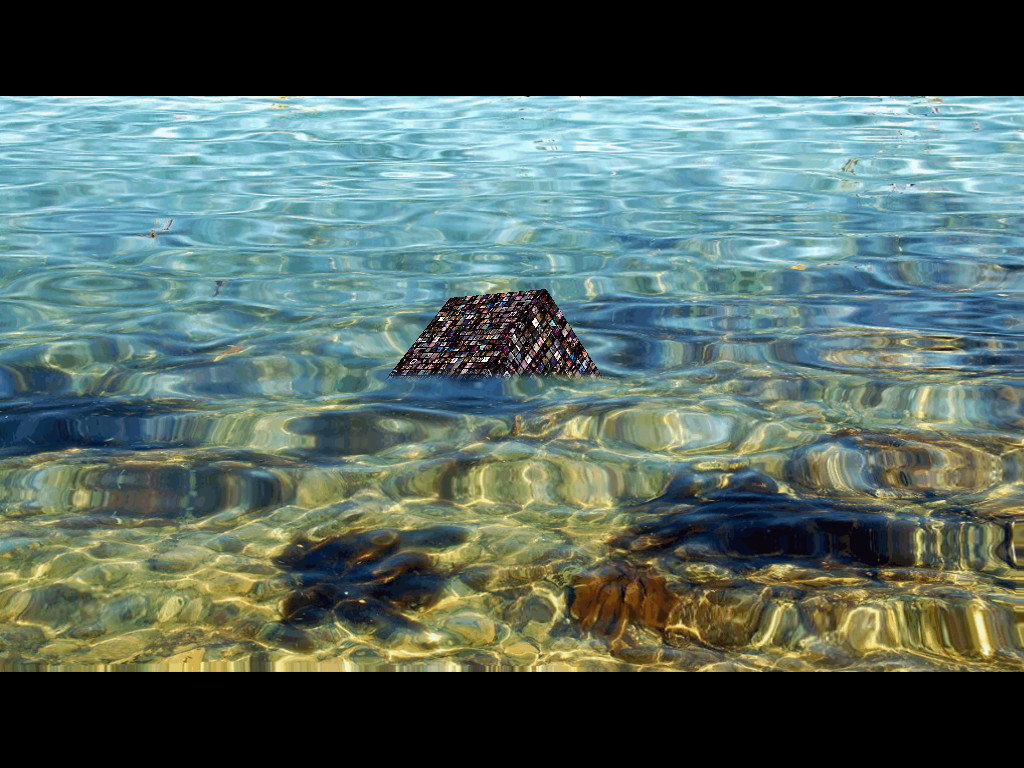
Mysterious Video Cube From The Sea

(0 reviews)

1 Screenshot

A mysterious video cube rises from the sea. Examples of multiple video displays on rotating cube, water effects, text effects and masking effects. PicturesToExe is an extremely versatile animation environment as well as being, in my opinion, the best overall presentation slideshow tool available. There are three types of download files available: Conventional Windows executable, Web Safe Windows executable (digitally signed executable with accompanying data file) and native MacIntosh executable file. To use the Web Safe PTE version, download zipped archive and extract both files into a folder. Click on the executable to play.

User Feedback

You may only provide a review once you have downloaded the file.

There are no reviews to display.

Account

Navigation

Search

Search

Configure browser push notifications

Chrome (Android)
  1. Tap the lock icon next to the address bar.
  2. Tap Permissions → Notifications.
  3. Adjust your preference.
Chrome (Desktop)
  1. Click the padlock icon in the address bar.
  2. Select Site settings.
  3. Find Notifications and adjust your preference.