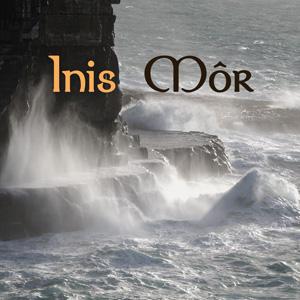
landsberger March 2, 20197 yr review_647 Report Author stats Really enjoyed this sequence, I would have liked the beginning dissolves/changes to be a bit slower in order to appreciate the images. Did you use a long lens setting for some of the images to get the apparent compression of the landscape? The only problem I had (which is small one) is that the dissolves of the crashing waves in the later part of the show were a bit too quick. On the plus side the ruggedness of the island is superbly depicted.
Tomcatred55 January 5, 20197 yr review_631 Report Author stats 1 of 1 member found this review helpful 1 / 1 member Great photography of an amazing place. I liked the way the music changed pace and style for the dramatic waves section. Good use of different types of fades and pace of change, to suit the music. A couple of images not quite up to the standard of the rest, and a few snap zooms which weren't to my tastes but we all differ. Response from the author: Thank you for your nice answer.
Jim R January 5, 20197 yr review_630 Report Author stats 2 of 2 members found this review helpful 2 / 2 members This and the other 8 AVs you uploaded at the same time are excellent examples of good basic AV production. Good photography, well chosen music and merged into interesting shows for the most part leaving us wanting more. All as it should be. Response from the author: Thank you for your pleasant appreciations.


Join the conversation
You can post now and register later. If you have an account, sign in now to post with your account.