Skip to content
View in the app

A better way to browse. Learn more.

Slideshowclub.Com

A full-screen app on your home screen with push notifications, badges and more.

To install this app on iOS and iPadOS
  1. Tap the Share icon in Safari
  2. Scroll the menu and tap Add to Home Screen.
  3. Tap Add in the top-right corner.
To install this app on Android
  1. Tap the 3-dot menu (⋮) in the top-right corner of the browser.
  2. Tap Add to Home screen or Install app.
  3. Confirm by tapping Install.

Solitudes 9

(1 review)

1 Screenshot

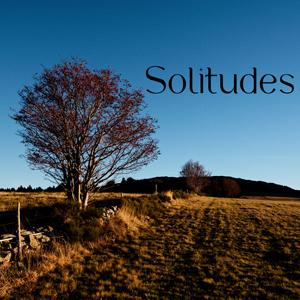
Images of a lost country on a text by Jules Romains

User Feedback

Join the conversation

You can post now and register later. If you have an account, sign in now to post with your account.

Guest
  • This will not be shown to other users.

  • Your review Required
    Add a review...


There must be a cultural difference that French shows mostly have spoken word in them and English shows seldom.  I thought the images were very well composed and some dissolves would have made for a great third image if those dissolves had been slower.  The music fitted the mood of the images but by me not understanding any French, made the spoken word taking away of really enjoying this AV.

Bert

Response from the author:

Thank you for your interesting answer. It is true that the text is the basis for this VA.
(excuse me, but I don’t speak English well)
Account

Navigation

Search

Search

Configure browser push notifications

Chrome (Android)
  1. Tap the lock icon next to the address bar.
  2. Tap Permissions → Notifications.
  3. Adjust your preference.
Chrome (Desktop)
  1. Click the padlock icon in the address bar.
  2. Select Site settings.
  3. Find Notifications and adjust your preference.