Skip to content
View in the app

A better way to browse. Learn more.

Slideshowclub.Com

A full-screen app on your home screen with push notifications, badges and more.

To install this app on iOS and iPadOS
  1. Tap the Share icon in Safari
  2. Scroll the menu and tap Add to Home Screen.
  3. Tap Add in the top-right corner.
To install this app on Android
  1. Tap the 3-dot menu (⋮) in the top-right corner of the browser.
  2. Tap Add to Home screen or Install app.
  3. Confirm by tapping Install.

Book Style Demonstration 1.0.0

(0 reviews)

1 Screenshot

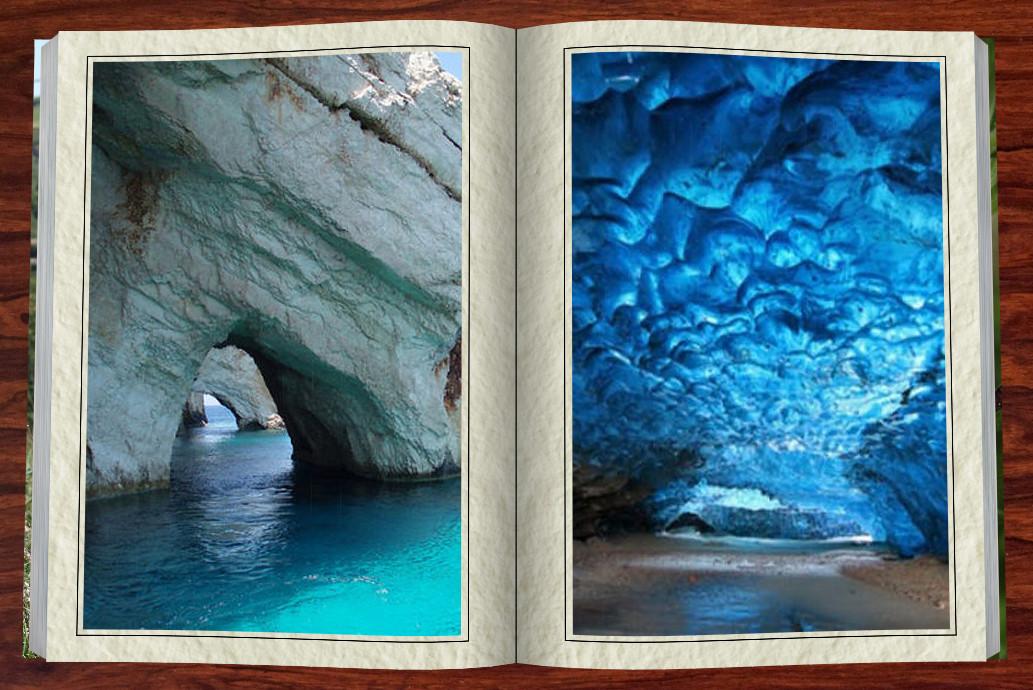
A PicturesToExe Promotional Demonstration Showing The Use Of Jean-Cypdrien's Book Style Which I Slightly Modified For A Near Vertical Perspective. Also For Fun I Used Dave Gould's Scrolling Text Style For Opening Text And Audio Credits.  With These Two Styles - Any Inexperienced PicturesToExe Deluxe User Can Quickly Make A Similar Show. Buy PicturesToExe Deluxe And Enjoy The Tremendous Number Of Powerful Free Styles Available To Give Your Shows That Professional Touch. 

User Feedback

You may only provide a review once you have downloaded the file.

There are no reviews to display.

Account

Navigation

Search

Search

Configure browser push notifications

Chrome (Android)
  1. Tap the lock icon next to the address bar.
  2. Tap Permissions → Notifications.
  3. Adjust your preference.
Chrome (Desktop)
  1. Click the padlock icon in the address bar.
  2. Select Site settings.
  3. Find Notifications and adjust your preference.