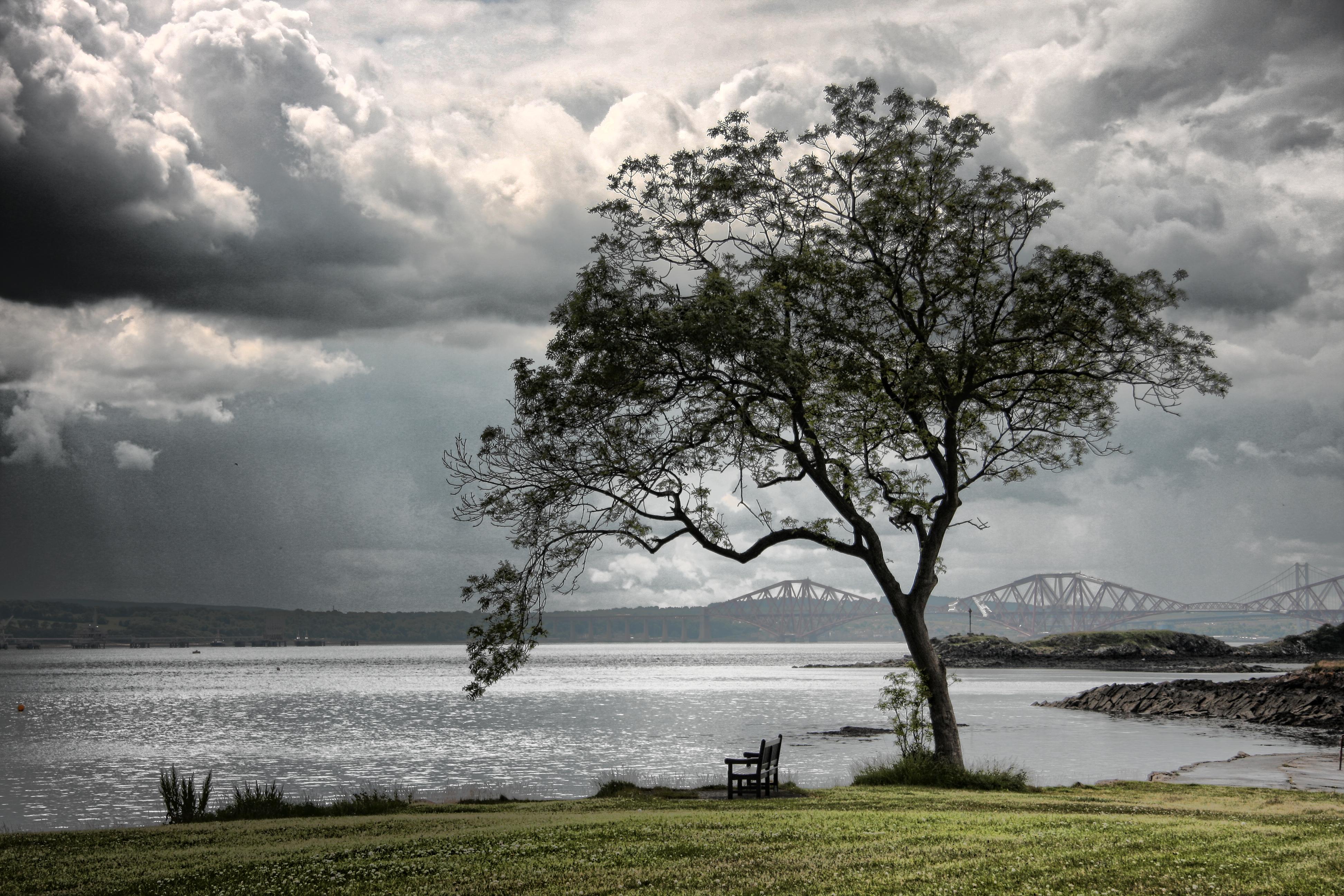
IMAGES SHOWN ARE A SELECTION OF VARIOUS LOCATIONS OUT THROUGH SCOTLAND AT DIFFERENT TIMES OF THE YEAR
Mickp September 23, 20178 yr review_538 Report Author stats A very nice show with some excellent photography and appropriate music and it encourages me to visit again. I personally did not like the zoom-ins as I did not see the point of it. If you just wanted to create some movement why not zoom out and then at least you will have something more to see of the view at the end of the zoom. Mickp
Jim R September 20, 20178 yr review_536 Report Author stats 0 of 1 member found this review helpful 0 / 1 member Nice selection of images
Lakelandlass September 20, 20178 yr review_535 Report Author stats 1 of 1 member found this review helpful 1 / 1 member Nice one, Jim. Maureen
KEN COX September 20, 20178 yr review_534 Report Author stats MANUAL CONTROL - FULL SCREEN great collection of shots - great compilation thks for the share ken

Join the conversation
You can post now and register later. If you have an account, sign in now to post with your account.