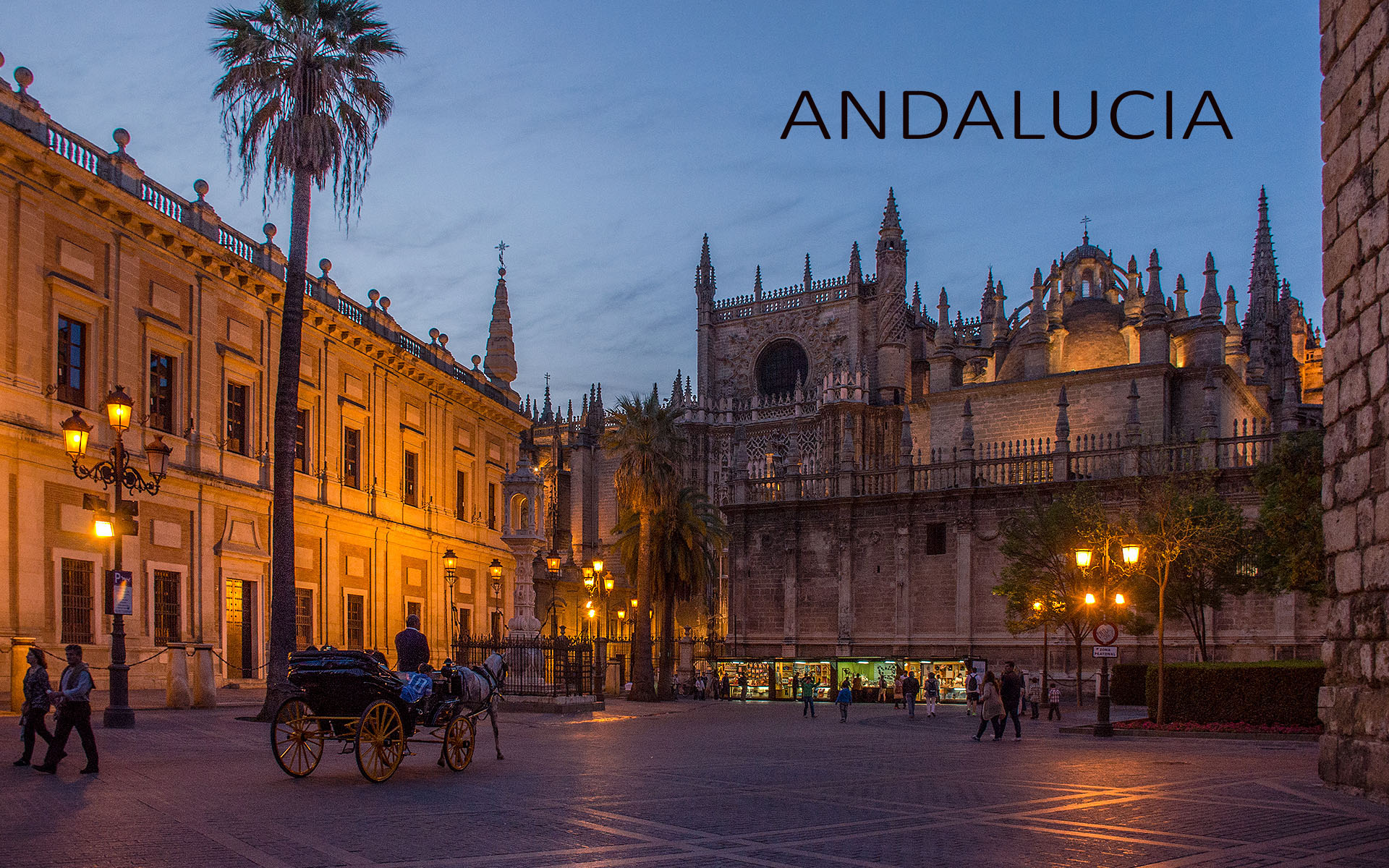
Another visit to Andalucia, this time in February this year, hopeful of catching the almond blossom in full bloom. Alas, after a very mild Spring, most of it had already flowered before we arrived.
Bert January 8, 20179 yr review_450 Report Author stats Hi Maureen, Beautiful show, you captured the country side very well. We where there end May of 2016 for 3 weeks. I assume there is an other show coming from you of the famous Moorish Towns, or was it posted already and I missed it. Thanks for showing
Mickp April 6, 201610 yr review_359 Report Author stats 1 of 1 member found this review helpful 1 / 1 member Another brilliant exposition of beautiful countryside of Andalucia. Although the weather looked quite variable you managed to capture towmscapes mountainscapes, treescapes and landscapes all with brilliant lighting, composition and biting sharpness. Another place I shall put on my places to visit.

 2
2
Join the conversation
You can post now and register later. If you have an account, sign in now to post with your account.