
Skip to content
View in the app

A better way to browse. Learn more.

Slideshowclub.Com

A full-screen app on your home screen with push notifications, badges and more.

To install this app on iOS and iPadOS
  1. Tap the Share icon in Safari
  2. Scroll the menu and tap Add to Home Screen.
  3. Tap Add in the top-right corner.
To install this app on Android
  1. Tap the 3-dot menu (⋮) in the top-right corner of the browser.
  2. Tap Add to Home screen or Install app.
  3. Confirm by tapping Install.

Parapente

(0 reviews)

1 Screenshot

Greetings,

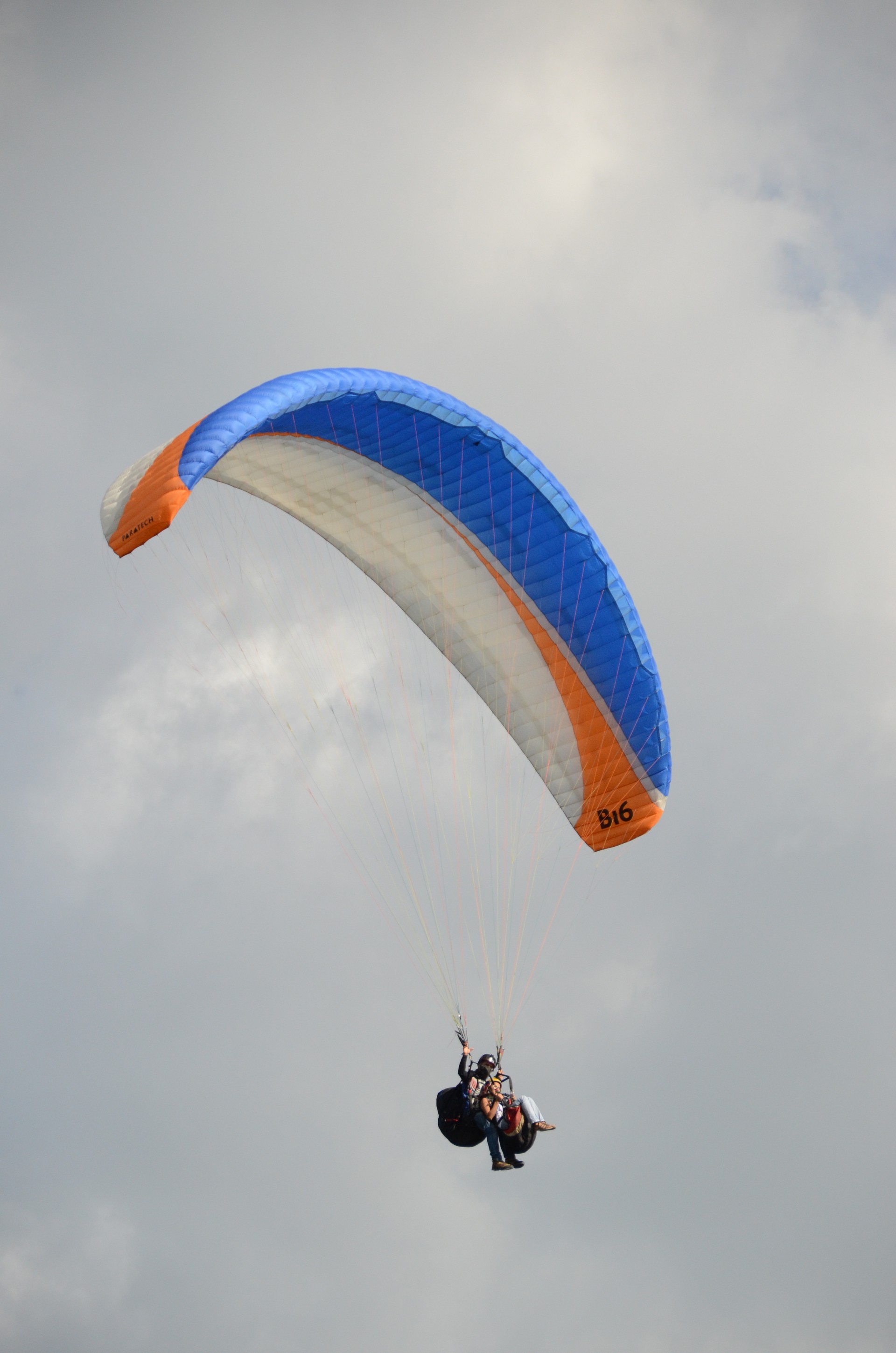
This is a slideshow of my wife and I and a couple friends paragliding (parapente) in Colombia in December. I enjoy creating stories by combining videos with still images. PTE allows this to be easily done. I like the fact that you can extract the audio from the video and place it in the audio track to have complete control over it. Most of the videos and stills were taken with a Nikon D7000 DSLR, 18-200mm lens. A couple of videos clips were taken with a Nikon AW100 pocket camera. The slideshow is posted in MP4 format because the EXE format came out about 3 times larger. So I just got it under the maximum allowable size for the Slideshow club. I hope you enjoy it. Any comments welcomed. Gary

User Feedback

Join the conversation

You can post now and register later. If you have an account, sign in now to post with your account.

Guest
  • This will not be shown to other users.

  • Your review Required
    Add a review...

Account

Navigation

Search

Search

Configure browser push notifications

Chrome (Android)
  1. Tap the lock icon next to the address bar.
  2. Tap Permissions → Notifications.
  3. Adjust your preference.
Chrome (Desktop)
  1. Click the padlock icon in the address bar.
  2. Select Site settings.
  3. Find Notifications and adjust your preference.