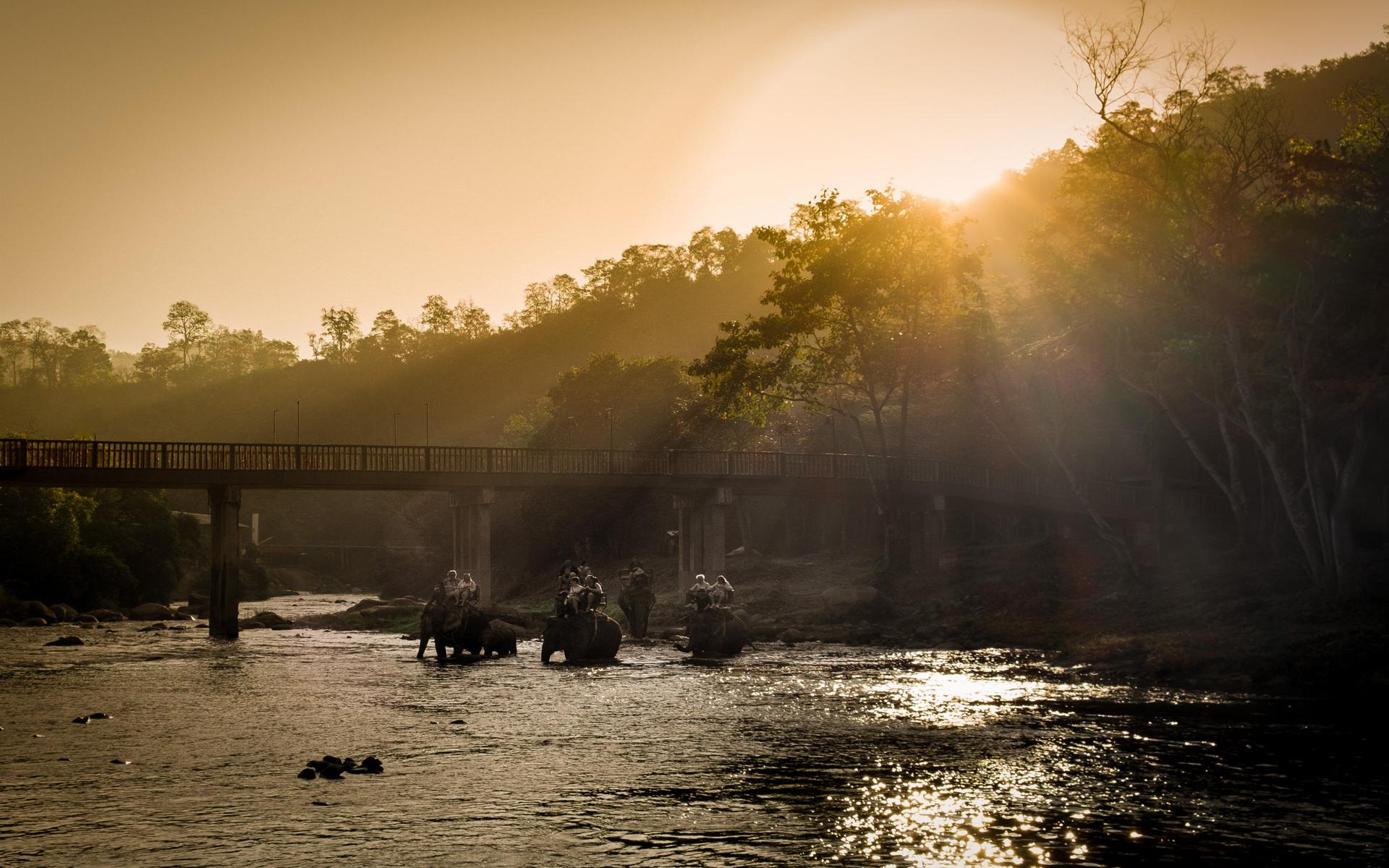
I had hoped this show could be good enough for a photo-harmony competition, but sadly I just can't get it to flow as well as I'd like. So, it's just a record of a recent trip to Thailand, i hope you like it.
Jeff Lunt June 2, 201610 yr review_376 Report Author stats 1 of 1 member found this review helpful 1 / 1 member Mark...okay, I'm a big fan as of today. I like this show too...and I've never taken to man made anything, but you have got me by the throat...two out of two shows that I've seen. I loved the middle piece of music the best. Perhaps a fade to black between music numbers might flow best and save that perfect music for the end...yep, I know it is just my opinion so don't take it personally. Not a critique but maybe something you could try...or maybe you already did. That is my first impression only, and I only say this as you said you weren't perfectly satisfied. Can you put a Music By at the end of the show. I sure liked most of it. Will share your shows tonight with my wife Karen, also known as Huck to me as she doesn't need creature comforts to have fun. I can't get to these places and I'm relying on you to keep up the good work. Really loved your take on this adventure. Jeff Lunt

Join the conversation
You can post now and register later. If you have an account, sign in now to post with your account.