Skip to content
View in the app

A better way to browse. Learn more.

Slideshowclub.Com

A full-screen app on your home screen with push notifications, badges and more.

To install this app on iOS and iPadOS
  1. Tap the Share icon in Safari
  2. Scroll the menu and tap Add to Home Screen.
  3. Tap Add in the top-right corner.
To install this app on Android
  1. Tap the 3-dot menu (⋮) in the top-right corner of the browser.
  2. Tap Add to Home screen or Install app.
  3. Confirm by tapping Install.

My Last Backpack 1.0.0

(1 review)

1 Screenshot

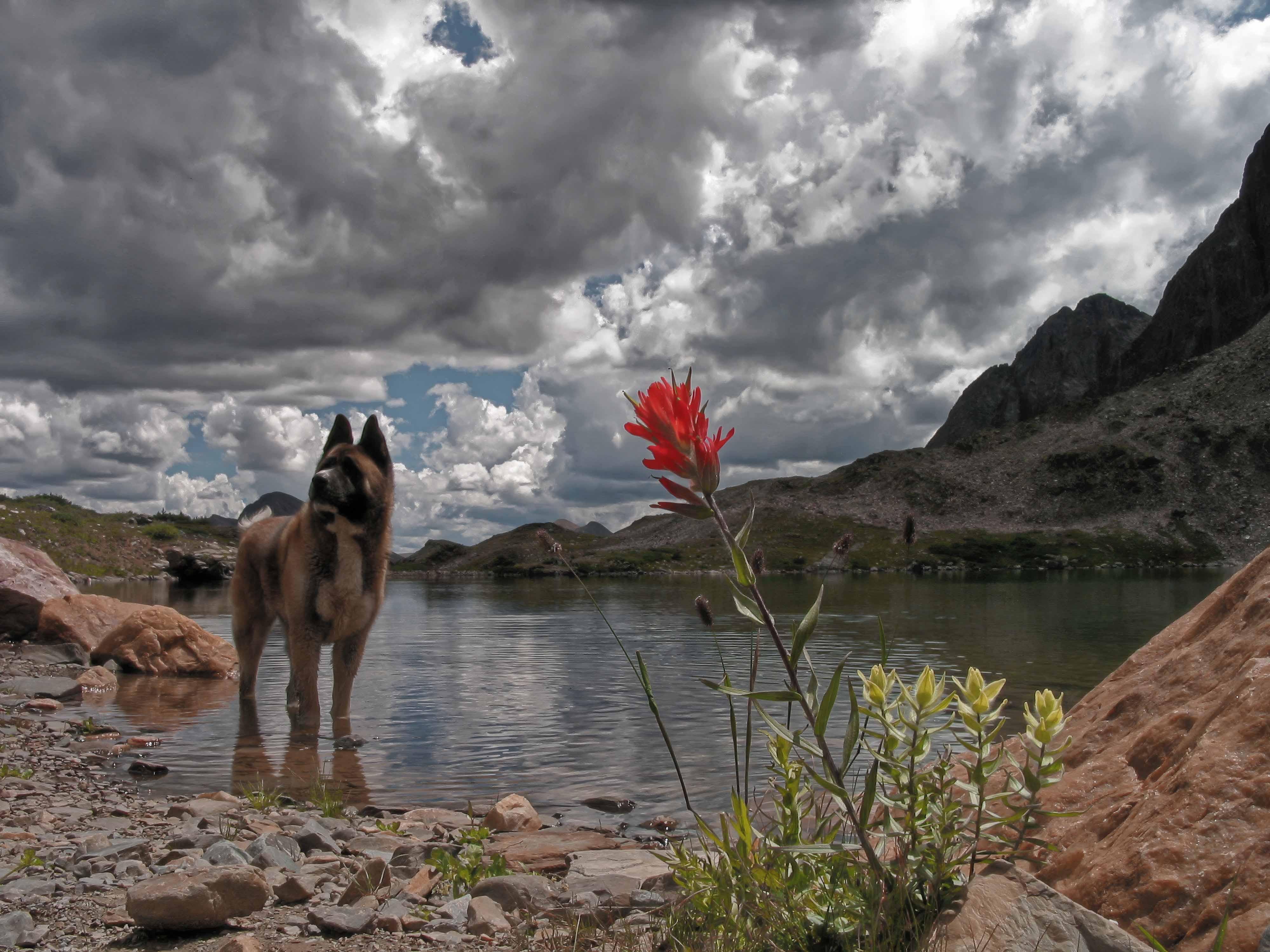
This was my last adventure with a backpack. I was 52 and Sammy was 2. We had a great time but I knew something was up as what used to take me about 6 hours to get to my favorite spot now took 2 days. 4 years later I was diagnosed with cancer. This adventure is a bushwhack, meaning no trail. The main lake in the mountains is just over 12k above sea level. I hope you like the video.

User Feedback

Join the conversation

You can post now and register later. If you have an account, sign in now to post with your account.

Guest
  • This will not be shown to other users.

  • Your review Required
    Add a review...

  
Another keeper, Jeff. Wonderful scenery with music to match. Great photography.

Response from the author:

Thanks Bill. For some reason I was having trouble finding the RESPOND button. I probably forgot to sign in. Thanks again.

Account

Navigation

Search

Search

Configure browser push notifications

Chrome (Android)
  1. Tap the lock icon next to the address bar.
  2. Tap Permissions → Notifications.
  3. Adjust your preference.
Chrome (Desktop)
  1. Click the padlock icon in the address bar.
  2. Select Site settings.
  3. Find Notifications and adjust your preference.