Skip to content
View in the app

A better way to browse. Learn more.

Slideshowclub.Com

A full-screen app on your home screen with push notifications, badges and more.

To install this app on iOS and iPadOS
  1. Tap the Share icon in Safari
  2. Scroll the menu and tap Add to Home Screen.
  3. Tap Add in the top-right corner.
To install this app on Android
  1. Tap the 3-dot menu (⋮) in the top-right corner of the browser.
  2. Tap Add to Home screen or Install app.
  3. Confirm by tapping Install.

Dynamic Rotterdam 1.0.0

(2 reviews)

1 Screenshot

User Feedback

Join the conversation

You can post now and register later. If you have an account, sign in now to post with your account.

Guest
  • This will not be shown to other users.

  • Your review Required
    Add a review...


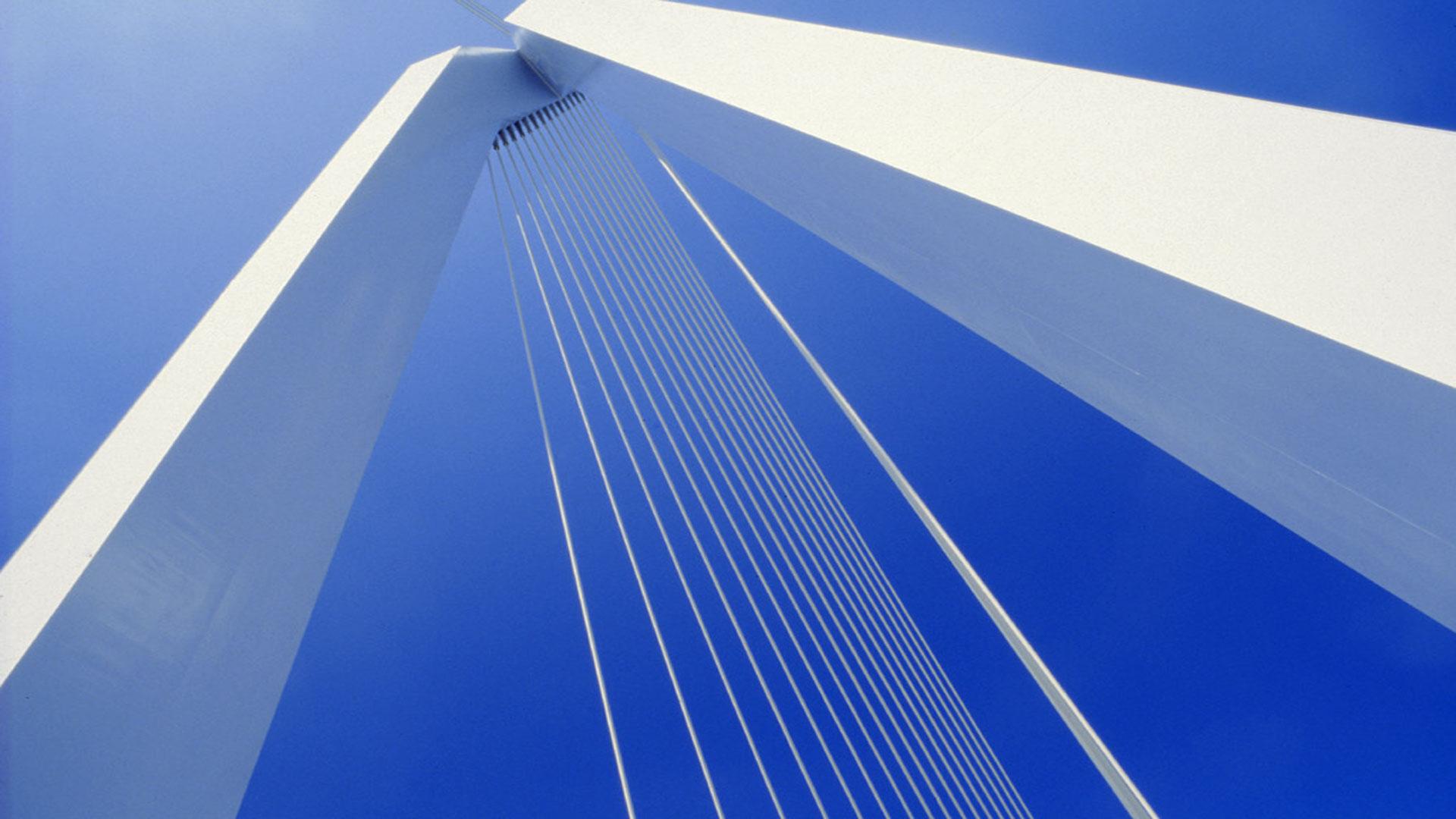
Picked this one up a bit late and not sure what Erik did not like about it to only give it 2 stars.  I thought it was a nice little piece show a range of geometric shapes which were quite interesting and the photography was good and the music acceptable. So to redress the balance i'll give it four stars and look forward to seeing more of your work.

Mickp

   1 of 2 members found this review helpful 1 / 2 members

Hoi Giel,

Je had hier een mooie reeks kunnen maken.

Spijtig zie je bij de meeste foto's veel ruis en ook vele sensorvlekken of stofvlekjes van op de lens. Je had deze in photoshop makkelijk kunnen wegpoetsen.

Wel mooie passend muziek erbij.

Erik
Account

Navigation

Search

Search

Configure browser push notifications

Chrome (Android)
  1. Tap the lock icon next to the address bar.
  2. Tap Permissions → Notifications.
  3. Adjust your preference.
Chrome (Desktop)
  1. Click the padlock icon in the address bar.
  2. Select Site settings.
  3. Find Notifications and adjust your preference.