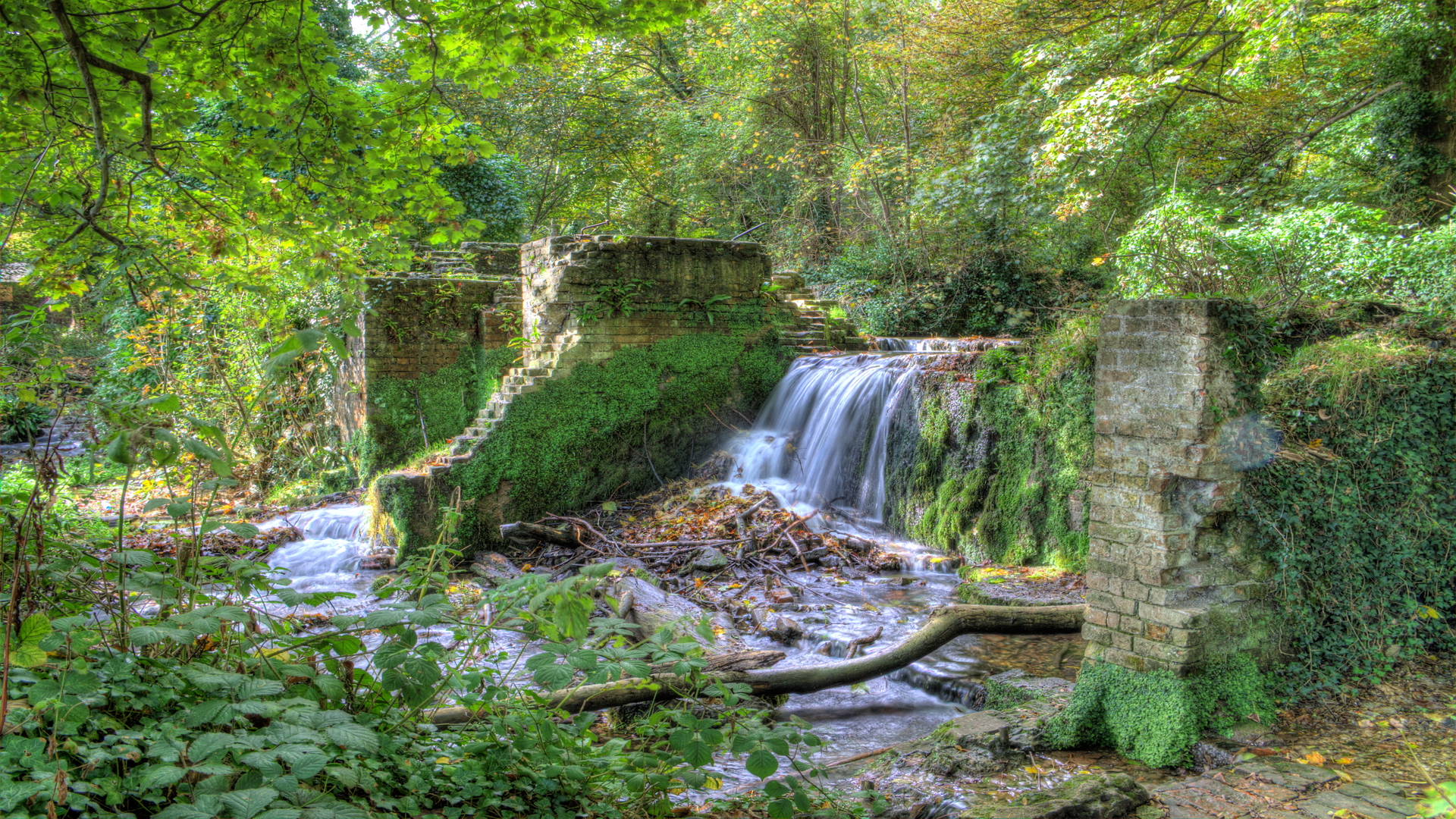
RMS January 25, 201610 yr review_337 Report Author stats 1 of 1 member found this review helpful 1 / 1 member Colin, Excellent photography, making good use of HDR, and suitable choice of music. Maybe the ambient sounds could have been slightly louder and I note the miss-spelling of the town of Whitstable. My tip, if it is to be shown to an audience, titles at the top of the screen are more visible. Look forward to Part 2. Regards, Roger.
LumenLux January 21, 201610 yr review_335 Report Author stats 1 of 1 member found this review helpful 1 / 1 member As expected, beautiful presentation of fine photography. I'm sure the sequence must represent well the beauty of the area. I consider this as tasteful use of HDR, and I appreciated the consistent level of processing on the variety of images.
Mickp January 19, 201610 yr review_334 Report Author stats 1 of 1 member found this review helpful 1 / 1 member Very nice views all expertly photographed with the HDR bringing out some nice skies. Excellent Web site as well. Mickp


Join the conversation
You can post now and register later. If you have an account, sign in now to post with your account.