
This demo was made with PTE 6, but the techniques required in PTE 8 to create the book remains the same. This was originally made as a demo for a series of different Templates that were created for PicturesToExe users.
A better way to browse. Learn more.
A full-screen app on your home screen with push notifications, badges and more.
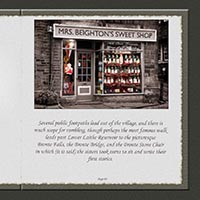
This demo was made with PTE 6, but the techniques required in PTE 8 to create the book remains the same. This was originally made as a demo for a series of different Templates that were created for PicturesToExe users.
You may only provide a review once you have downloaded the file.
There are no reviews to display.