Skip to content
View in the app

A better way to browse. Learn more.

Slideshowclub.Com

A full-screen app on your home screen with push notifications, badges and more.

To install this app on iOS and iPadOS
  1. Tap the Share icon in Safari
  2. Scroll the menu and tap Add to Home Screen.
  3. Tap Add in the top-right corner.
To install this app on Android
  1. Tap the 3-dot menu (⋮) in the top-right corner of the browser.
  2. Tap Add to Home screen or Install app.
  3. Confirm by tapping Install.

Driven to Abstraction 1.0.0

(1 review)

1 Screenshot

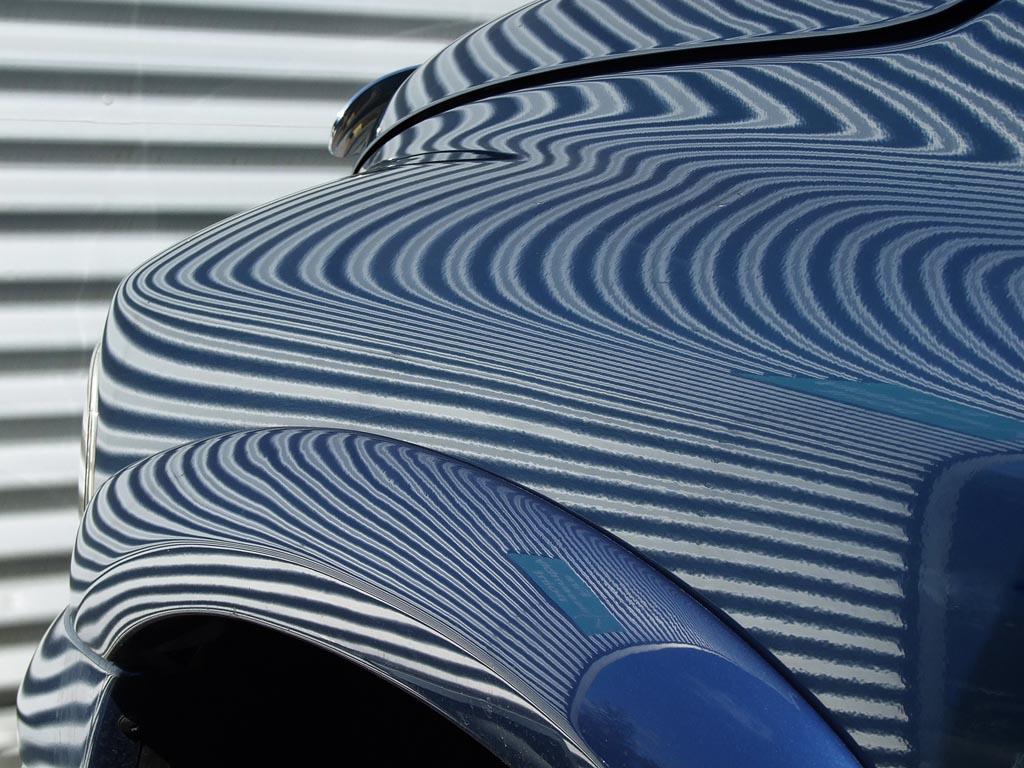
A collection of abstracts making use of objects and animations


User Feedback

Join the conversation

You can post now and register later. If you have an account, sign in now to post with your account.

Guest
  • This will not be shown to other users.

  • Your review Required
    Add a review...

   1 of 1 member found this review helpful 1 / 1 member

A general comment to cover several of your recent shows, which sadly have received few reviews. An eclectic range of A/V's showing  a broad range of your interests in a number of subjects.  Excellent photography throughout and demonstrating a very good knowledge of the range of features available in PTE.  Your choice of music is very good and adds to the enjoyment. One thing I don't like is the very stark wide border you use and perhaps a thinner border in an off-white would be less distracting.  Despite the lack of comments, please keep up the good work.

Mickp
Account

Navigation

Search

Search

Configure browser push notifications

Chrome (Android)
  1. Tap the lock icon next to the address bar.
  2. Tap Permissions → Notifications.
  3. Adjust your preference.
Chrome (Desktop)
  1. Click the padlock icon in the address bar.
  2. Select Site settings.
  3. Find Notifications and adjust your preference.